EasyManua.ls Logo

Celestron FIRSTSCOPE 80 EQ - Page 6

Celestron FIRSTSCOPE 80 EQ
15 pages
Print Icon
To Next Page IconTo Next Page
To Previous Page IconTo Previous Page
Loading...
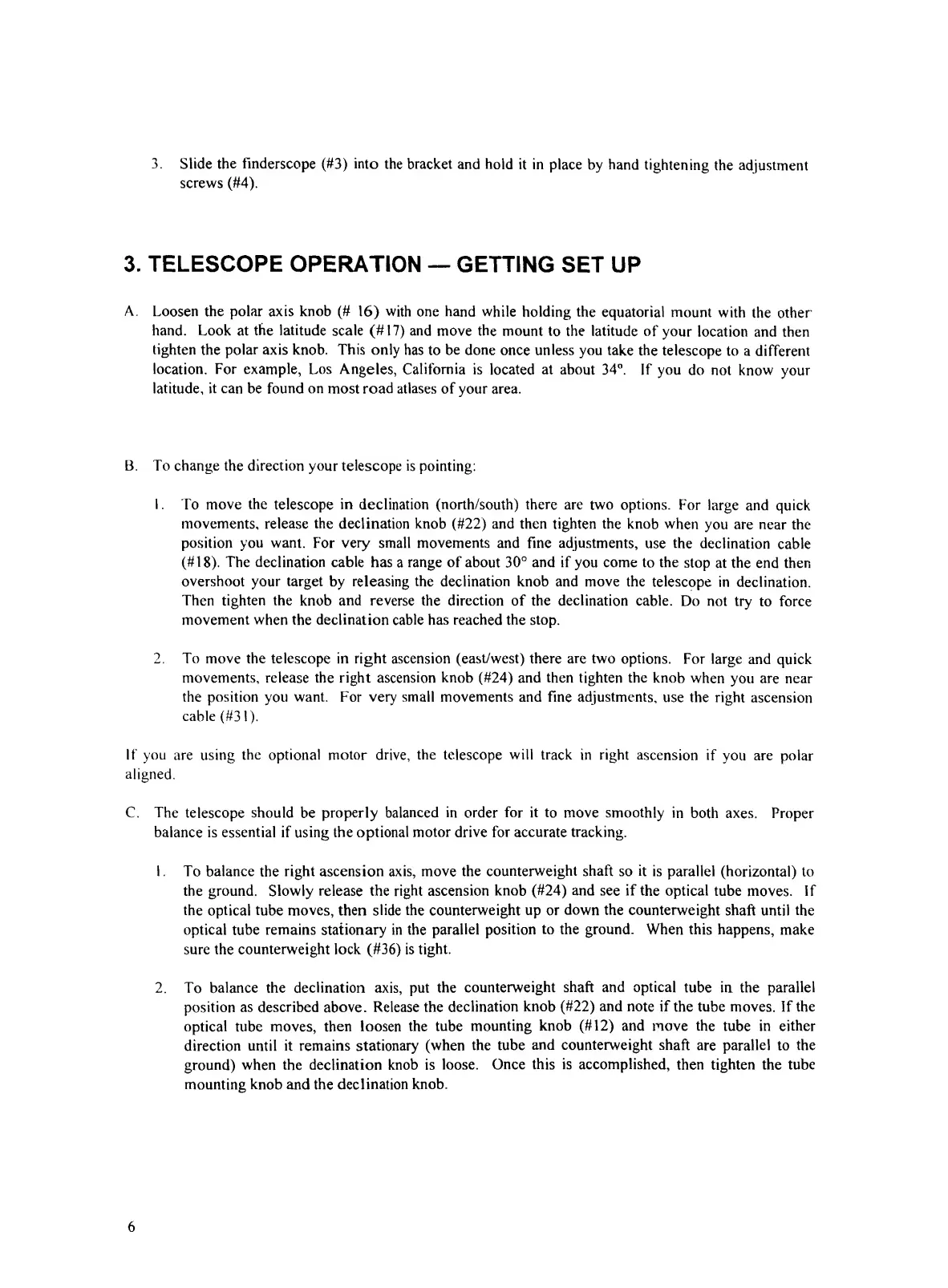
3.
Slide
the
finderscope
(#3)
into
the
bracket
and
hold
it
in
place
by
hand
tightening
the
adjustment
screws
(#4).
3.
TELESCOPE
OPERATION
—
GETTING
SET
UP
A.
L
oo
s
en
the
polar
axis
knob
(#
16)
with
one
hand
while
holding
the
equatorial
mount
with
the
other-
hand.
Look
at
the
latitude
scale
(#17)
and
move
the
mount
to
the
latitude
of
your
location
and
then
tighten
the
polar
axis
knob.
This
only
has
to
be
done
once
unless
you
take
the
telescope
to
a
different
location.
For
example,
Los
Angeles,
California
is
located
at
about
34°.
If
you
do
not
know
your
latitude,
it
can
be
found
on
most
road
atlases
of
your
area.
B.
To
change
the
direction
your
telescope
is
pointing:
1.
To
move
the
telescope
in
declination
(north/south)
there
are
two
options.
For
large
and
quick
movements,
release
the
declination
knob
(#22)
and
then
tighten
the
knob
when
you
are
near
the
position
you
want.
For
very
small
movements
and
fine
adjustments,
use
the
declination
cable
(#18).
The
declination
cable
has
a
range
of
about
30°
and
if
you
come
to
the
stop
at
the
end
then
overshoot
your
target
by
releasing
the
declination
knob
and
move
the
telescope
in
declination.
Then
tighten
the
knob
and
reverse
the
direction
of
the
declination
cable.
Do
not
try
to
force
movement
when
the
declination
cable
has
reached
the
stop.
2.
To
move
the
telescope
in
right
ascension
(east/west)
there
are
two
options.
For
large
and
quick
movements,
release
the
right
ascension
knob
(#24)
and
then
tighten
the
knob
when
you
are
near
the
position
you
want.
For
very
small
movements
and
fine
adjustments,
use
the
right
ascension
cable
(#31).
If
you
are
using
the
optional
motor
drive,
the
telescope
will
track
in
right
ascension
if
you
are
polar
aligned.
C.
The
telescope
should
be
properly
balanced
in
order
for
it
to
move
smoothly
in
both
axes.
Proper
balance
is
essential
if
using
the
optional
motor
drive
for
accurate
tracking.
1.
To
balance
the
right
ascension
axis,
move
the
counterweight
shaft
so
it
is
parallel
(horizontal)
to
the
ground.
Slowly
release
the
right
ascension
knob
(#24)
and
see
if
the
optical
tube
moves.
If
the
optical
tube
moves,
then
slide
the
counterweight
up
or
down
the
counterweight
shaft
until
the
optical
tube
remains
stationary
in
the
parallel
position
to
the
ground.
When
this
happens,
make
sure
the
counterweight
lock
(#36)
is
tight.
2.
To
balance
the
declination
axis,
put
the
counterweight
shaft
and
optical
tube
in
the
parallel
position
as
described
above.
Release
the
declination
knob
(#22)
and
note
if
the
tube
moves.
If
the
optical
tube
moves,
then
loosen
the
tube
mounting
knob
(#12)
and
move
the
tube
in
either
direction
until
it
remains
stationary
(when
the
tube
and
counterweight
shaft
are
parallel
to
the
ground)
when
the
declination
knob
is
loose.
Once
this
is
accomplished,
then
tighten
the
tube
mounting
knob
and
the
declination
knob.
6

Related product manuals