ENGLISH I 11
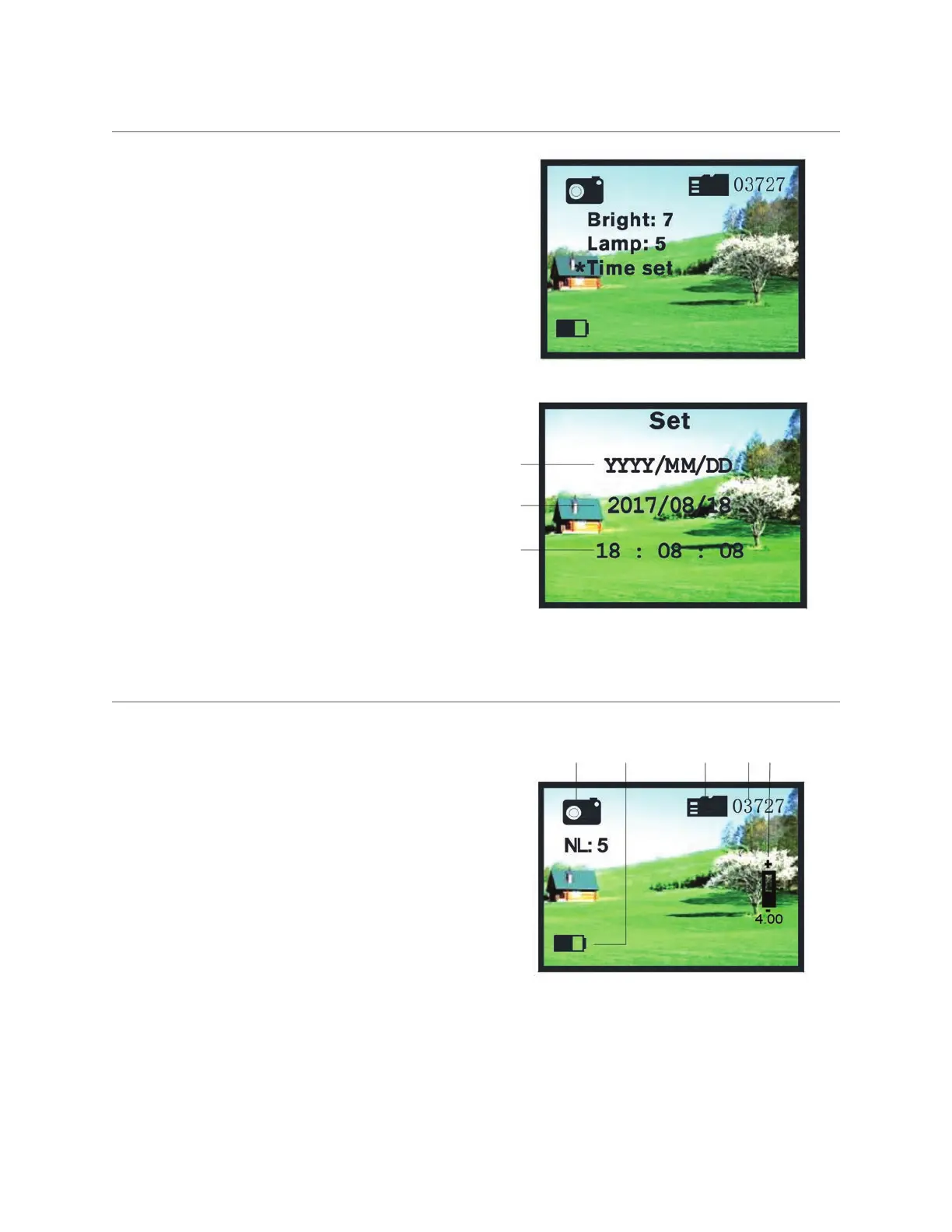
SETTING THE TIME
• Press and hold the Enter Button (9) to enter the menu, and
press the Mode Button (8) to select “Time Set.”
• Press the +/- Button (6 & 7) to enter time setting mode.
1. Time Format Selection
2. Date Set
3. Time Set
• Press the +/- Button (6 & 7) to switch time format.
• Press the Enter Button (9) to switch the cursor to a different
position.
• Press the +/- Button (6 & 7) to adjust the date and time.
• Press the Enter Button (9) again to exit time setting mode.
DIGITAL ZOOM
Digital zoom can be used in observing (image recording)
and video recording mode.
• Press the + Button (7) once to zoom in by 1x. The maximum
zoom power is 5x above the standard magnification level.
• Press – Button (6) once to zoom out by 1x. The minimum
zoom power is 1x (equal to the standard magnification
level).
• The zoom power is indicated on the screen (5).
1 2 3 4 5
1
2
3



 To Next Page