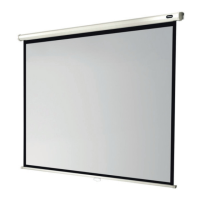
Width
Viewing area
Length
Ceiling cut-out
Width
Ceiling cut-out
160 cm 202 cm 11 cm
180 cm 222 cm 11 cm
200 cm 244 cm 11 cm
220 cm 264 cm 11 cm
240 cm 284 cm 11 cm
280 cm 329 cm 13,5 cm
300 cm 349 cm 13,5 cm
4
Alternatively, you can determine the cut-out dimensions as follows:
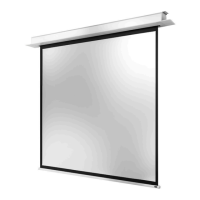
Measure the length „L“ as well as the depth „CD“ of the screen housing as shown in
the two figures below. Add 190mm to length “L” and deduct 25mm from the width
„CD“.
Installation of screen
1. Take the cut-out dimensions from the list below and cut an appropriate hole
into your suspended ceiling.


 To Next Page