ULTRAMIST
TM
SYSTEM SHUTDOWN PROCEDURE
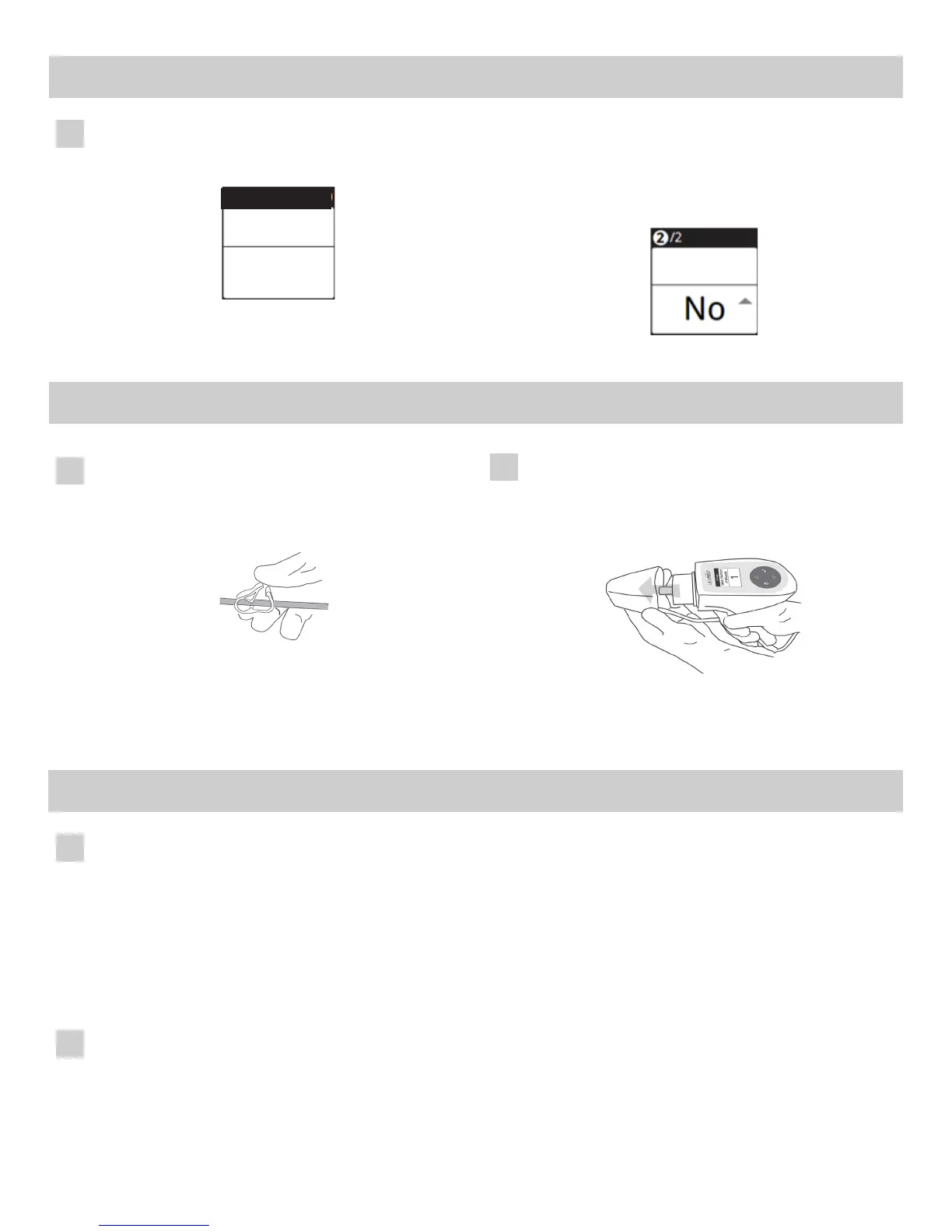
Turnpowerswitchtoo.Clampthetubingwiththepinch
clamp. There may be saline remaining in the bag which
is normal depending upon the size of the wound being
treated.
1
Remove the tubing from the treatment wand channel and
pump, remove the applicator from the treatment wand
andsalinebagfromadjustablehookanddiscard.Follow
facility approved biohazard disposal procedures.
Usethefacility’sapprovedinfeconcontrolproceduresto
clean the system.
2
USB PORT
The generator USB port is designed for the following:
• DownloadencryptedperformancedatatoaCelleraonapprovedUSBdrivefortroubleshoongpurposes
• UploadsowareupgradesfromaCelleraonprovidedUSBdrive
Specicinstruconsforuseoftheportwillbeprovidedwhenrequired.
Note: System does not collect and/or store paent specic data. All data is encrypted to prevent usage by unauthorized personnel.
WARNING: DO NOT ATTACH ANY UNAPPROVED USB DRIVES, CABLES, OR EQUIPMENT TO THE DRIVE AS IT
MAY INTERFERE WITH OPERATION OF THE DEVICE.
Accessing USB Port
• Remove Treatment Wand from Generator cradle and set aside
• Turn Generator over
• Usingacoinoratheadscrewdriver,rotatethelockcounterclockwiseaquarterturntounlockandremove
the cover
• Toreplacethecover,posionitovertheport,thenusingacoinoratheadscrewdriver,rotatethelock
clockwise a quarter to lock the door in place
TREATING THE PATIENT WITH THE ULTRAMIST™ SYSTEM
Once all the wounds are completed, the summary screen will
be displayed.
2 Wounds
110-139 cm
2
17:00
2
Completed
-- Result
-- Total Size
Total Time --
Wound Count --
NOTE: To cancel a treatment at any me press the back
buon. The “cancel treatment” screen will appear. Use
the up down buons to select “yes” or “no” then press
select. If you cancel treatment, the treatment summary
screen will appear.
23:00
Cancel
Treatment?
1
2
PL-61044_B 6
6
ULTRAMIST™ SYSTEM INSTRUCTIONS FOR USE



 To Next Page
 Loading...