5
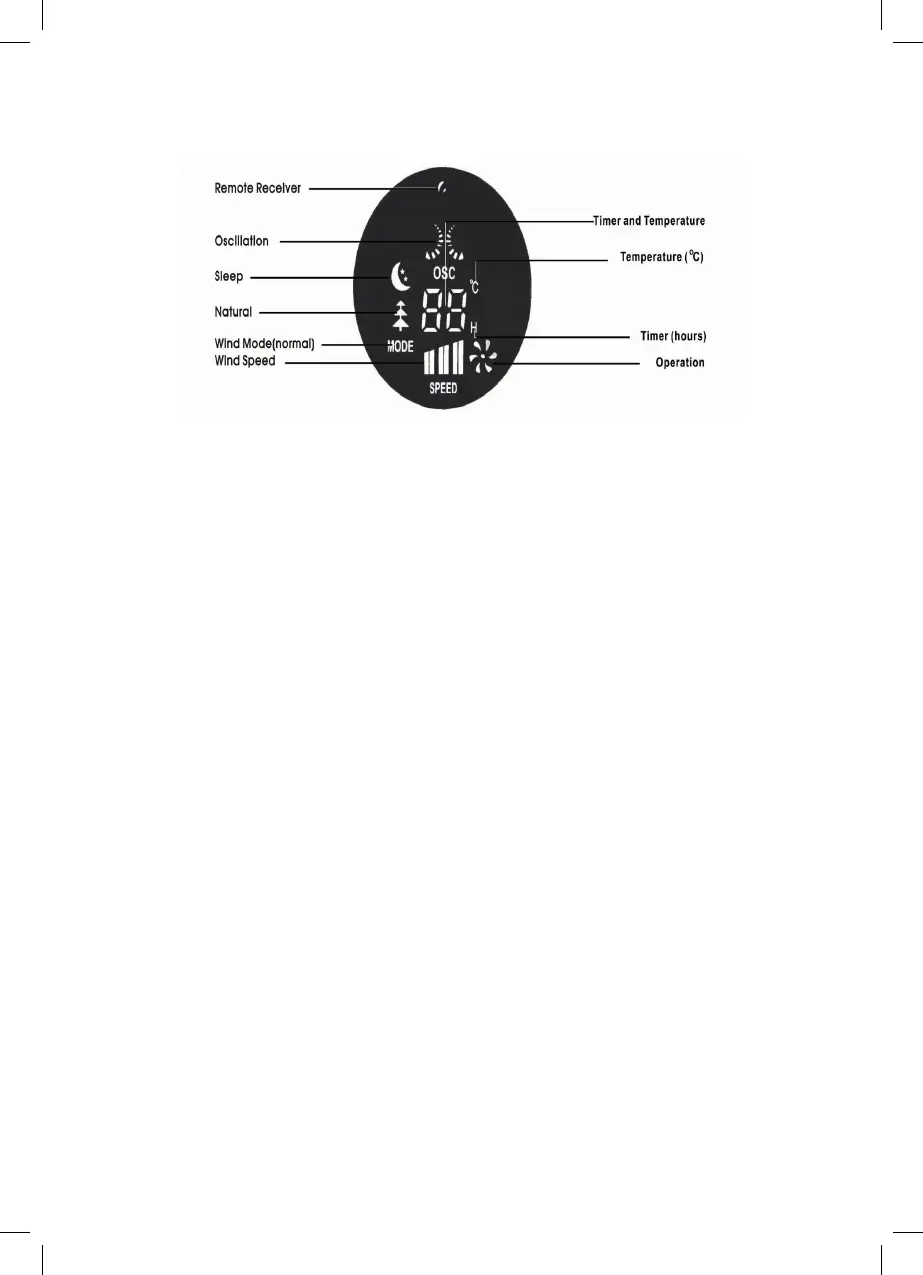
COLOR AND DISPLAY
SPECIFICATIONS:
Guidelines for using the remote controller
• The remote controller must be pointed towards the receiver on the fan inorder to work.
• The remote controller may not operate in a room where heavy machine is operating.
• Do not block the line of sight between the remote controller and the receiver.
• Handle the remote controller with care. Do not drop the remote controller on the oor
or bang it against hard objects.
Guidelines for use of batteries
• If the remote controller will not be used for a long period of time, remove the batteries
from the battery compartment.
• The remote controller uses two AAA batteries (Batteries not included), both of which
should be newand replaced at the same time when they run out.
• Clean the battery contacts and also those of the device prior to battery installation.
• Ensure the batteries are installed correctly with regard to polarity, matching +/- sides of
the battery to corresponding indications on the remote controller.
• Remove used and dead/discharged batteries promptly.
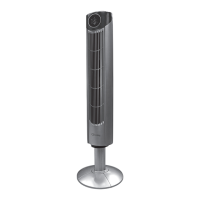
Model Number: CTF42A
Voltage: 220V~ 50Hz
Power: 45 Watt
Oscillation Angle: 80˚
Weight: 4.70 kg (10.3 lb)
Product Dimension: 31(D) x 31(W) x 89 (H) cm
31(D) x 31(W) x 105 (H - after extension) cm


 To Next Page