Menu Settings (continued)
22
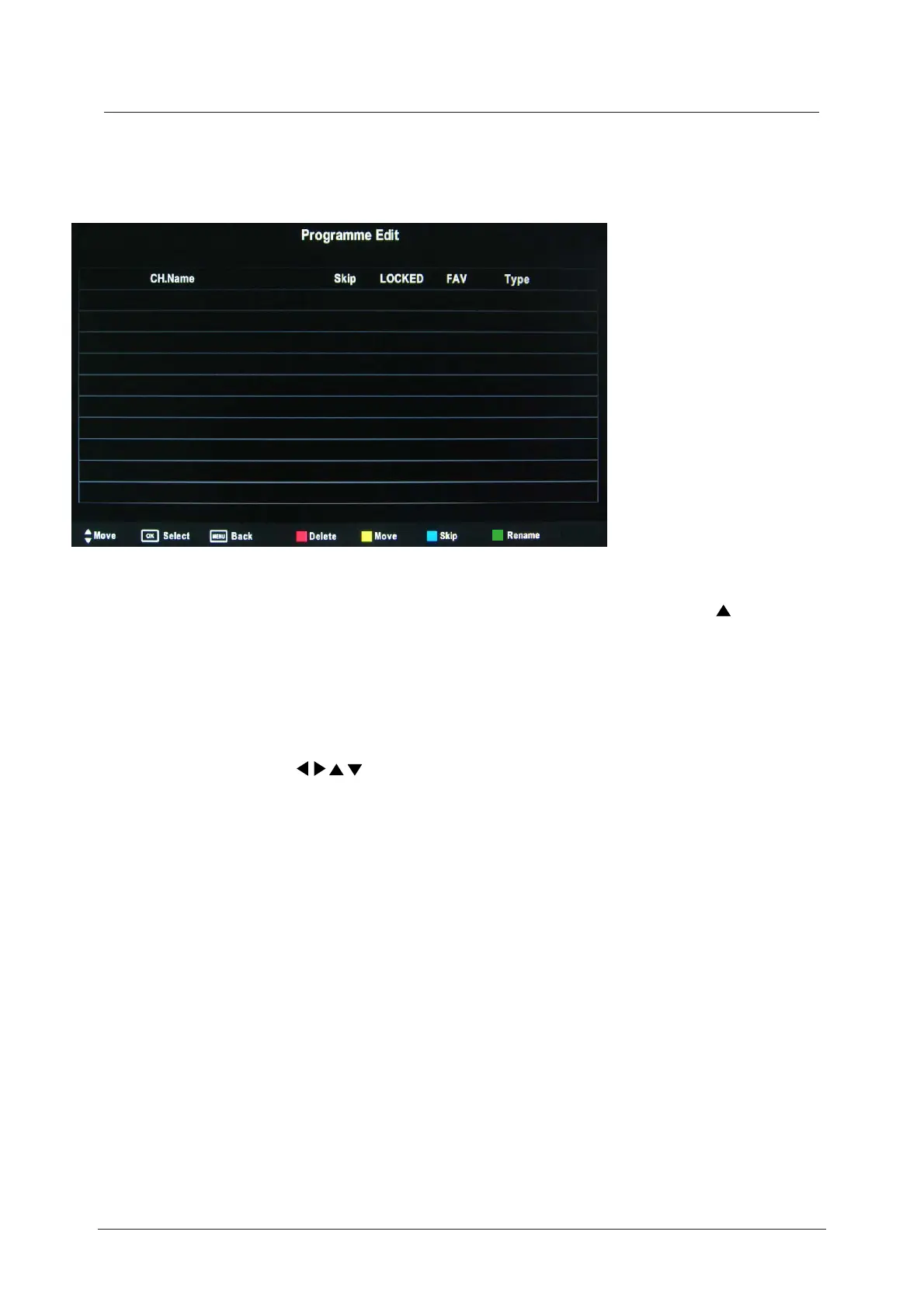
Programme Edit
Press the OK button to enter the Programme Edit menu as below.
Delete: Select a channel and press the RED button to delete it.
Move: Select an ATV channel, and press the YELLOW button, then you use
buttons to change the position of the programme, press YELLOW again to confirm the
change. Press menu to exit and your new changes will be saved. (ATV mode only)
Skip: Select a channel and press the BLUE button, this will label the channel. As long as the
channel has a skip label it will be skipped when searching through the channels using
the CH+/- buttons.
Rename:
FAV:
Select an ATV channel and press the GREEN button to change the name of the
channel by using the buttons.(ATV mode only)
Signal Information
Displays the digital
TV-signal information (DTV mode only).
CI Information
Please contact your “pay perview” provider who can supply a viewing card and cam unit with
instructions for their use.



 To Next Page