EasyManua.ls Logo

Cello C32ZFCHAM-LED - User Manual

Cello C32ZFCHAM-LED
47 pages
Print Icon
To Next Page IconTo Next Page
Loading...
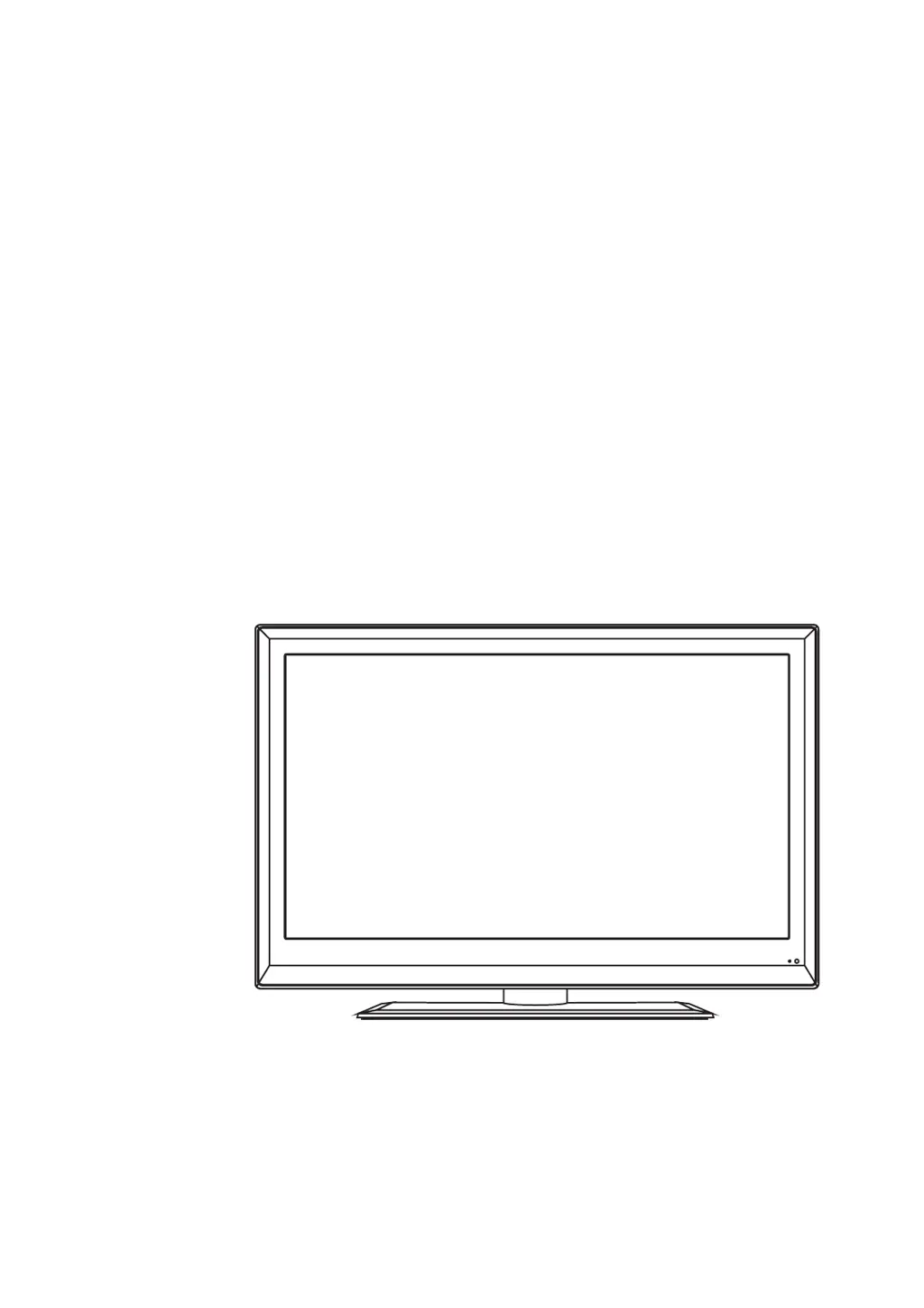
LED digital colour TV
USER GUIDE
C32ZFCHAM-LED V1

Questions and Answers

Summary

Product Introduction

HDMI Technology

Explains HDMI as a digital interface for high-definition video and audio.

Safety Importance

Emphasizes reading safety precautions before operating the product.

Safety Information

Handling Precautions

Do not use near water, ensure ventilation, protect power cord.

Continued Safety Guidelines

Further safety tips for operating the appliance safely.

Unit and Accessories

TV Set Components

Visual guide to the TV set, remote control, batteries, and converter cable.

Remote Control Operation

Remote Control Button Functions

Detailed explanation of remote control buttons and their functions.

Remote Control Modes

Setting multi-satellite modes and DVD player control via remote.

Remote Control Battery Handling

Guide on installing and using batteries in the remote control.

Device Connections

Aerial Connection Guide

Instructions for connecting the TV antenna for optimal signal.

External Device Connections

Overview of connecting HDMI, SCART, and VGA devices.

Device Connection Diagram

Visual guide to connecting USB, HDMI, SCART, VGA, etc.

Connection Port Descriptions

Table detailing names and functions of various TV connections.

PC Connectivity Guide

Connecting PCs using VGA/HDMI and adjusting display settings.

Video Camera and Recorder Connection

Connecting video cameras and video recorders via AV/SCART.

Audio System and DVD Player Connection

Connecting audio systems and DVD players via SCART/HDMI.

Setup and Menus

Initial TV Setup and Tuning

Guide for automatic channel tuning upon initial TV setup.

Source Menu Selection

How to select input sources like DTV, AV, HDMI.

Menu Settings Overview

Introduces TV settings menus: TV Settings, Picture, Sound, Extras, Options, Lock.

TV Settings Details

Details for Auto Scan, DTV/ATV Manual Tuning, and Programme Edit.

Programme Editing

Edit channel list by deleting, moving, skipping, or renaming channels.

Picture Menu Settings

Advanced picture settings including mode, contrast, brightness, colour, sharpness.

Sound Menu Settings

Adjust sound settings like sound mode, treble, bass, balance, and surround sound.

Extras Menu Settings

Configure sleep timer and PC setup options.

Options Menu Settings

Set OSD language, audio language, subtitle language, and menu timeout.

Lock Menu Settings

Set up lock system, password, lock channels, and parental guidance.

Multimedia Playback

USB Source Selection

Steps to select USB source and navigate multimedia files.

Photo Viewing Options

Photo viewing options like repeat, rotate, zoom, and info.

Music Playback Controls

Music playback controls, repeat modes, and screen saver settings.

Movie and Text File Viewing

Movie playback controls and viewing text files.

Recording Operation

PVR Settings

Accessing PVR settings via the EXTRAS menu.

Schedule and Recorded Lists

View, add, or delete scheduled and recorded programmes.

Timer Record and File System

Set timer for recording and manage PVR file system.

Start and Timeshift Operation

Controls for starting recording and timeshift mode.

EPG Menu Navigation

Programme Listings

View programme listings by time and channel.

Recording and Reminders

Record selected programmes or set reminders.

DVD Player Operation

Basic DVD Operation

Inserting discs and basic playback.

DVD Setup Menu Navigation

Accessing and navigating DVD setup menus.

DVD General Setup Options

TV display modes, OSD language, screen saver, last memory.

DVD Audio and Dolby Setup

Configure speaker settings, downmix, and Dolby Digital.

DVD Preference Settings

Set TV type, audio, subtitle, disc menu.

DVD Password Management

Change the password for parental lock functions.

DVD Parental Lock Details

Setting parental controls and managing the password.

DVD Default Settings

Reset DVD player settings to factory defaults.

Disc Care Guidelines

DVD Terminology

Definitions of DVD terms like Title, Chapter, and Track.

Simple Troubleshooting

General TV Troubleshooting

Remedies for common TV problems like power, signal, sound.

DVD Troubleshooting

Remedies for common DVD playback problems like disc errors.

Technical Specifications

TV Specifications

Technical details of the TV, including system, screen size, resolution, and power.

Remote Control Specifications

Technical details of the remote control, including type, distance, and batteries.

Wall Mounting Instructions

VESA Mounting Guide

Instructions for mounting the TV on a wall using a VESA mount.

Product Disposal and Recycling

Electrical Waste and Battery Disposal

Guidelines for recycling electronic waste and batteries.

Cello C32ZFCHAM-LED Specifications

General IconGeneral
Screen Size32 inches
Display TechnologyLED
HDMI Ports3
USB Ports1
Smart TVNo
Aspect Ratio16:9
Built-in SpeakersYes
Audio OutputDigital Audio Out (Optical)
Operating SystemNot Applicable
ResolutionHD Ready (1366 x 768)

Related product manuals