6
Unit and Accessories
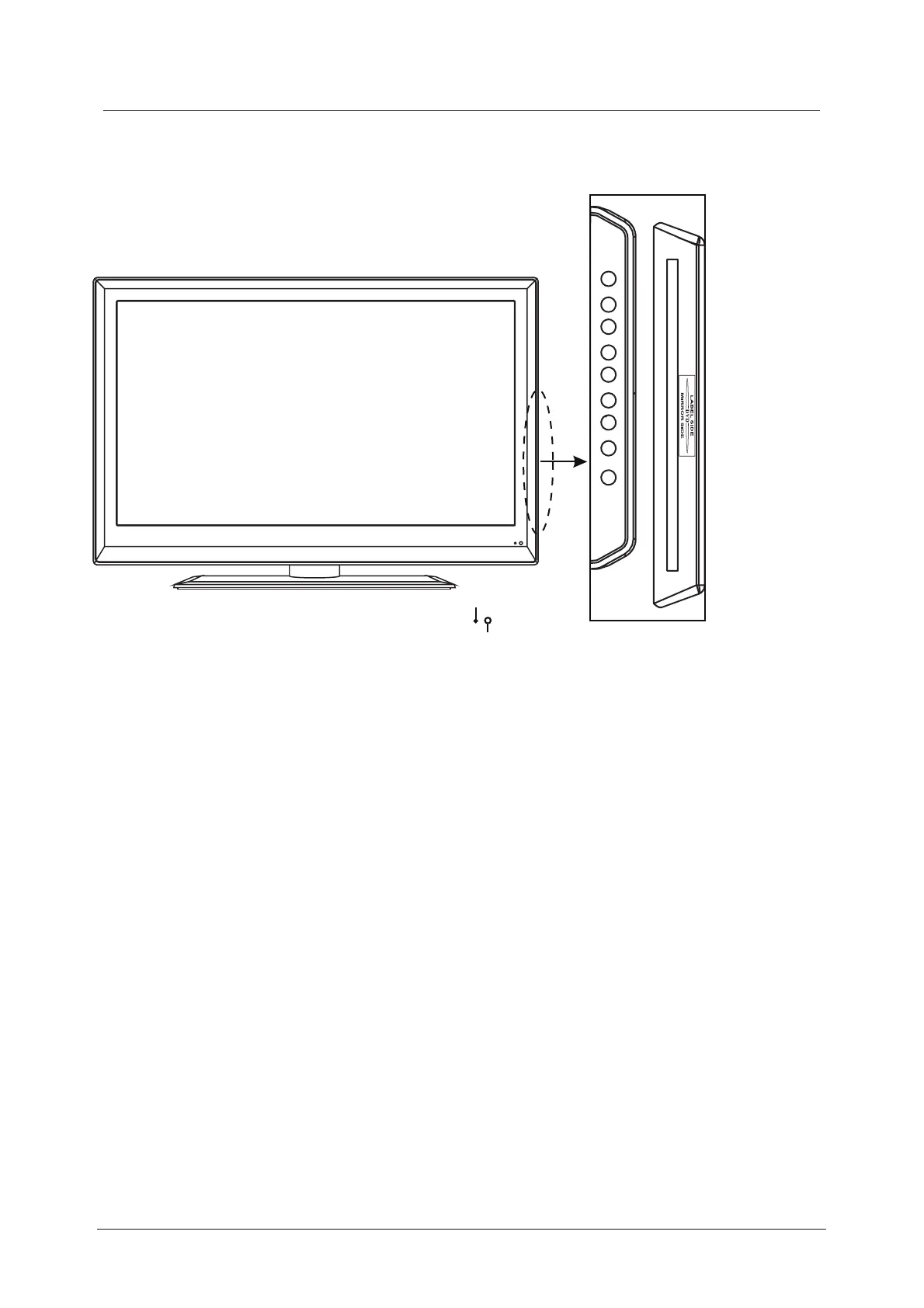
The functions of the TV buttons are described below.
Remote Control Window
(keep clear)
LED Indicator
EJECT : Eject.
PLAY : Play.
The functions of the DVD buttons are described below.
Insert disc according to
the label next to the
disc slot
Menu :Press to display the OSD menu, press again to exit the menu.
Vol +/- : Press to adjust the volume.
CH+/- : Press to skip through the channels.
TV/AV : Press to display the input source menu.
Power : Turn ON/OFF the TV set.
TV/AV MENU CH+ CH- VOL+ VOL- PLAY EJECT POWER



 To Next Page