Menu Settings (continued)
26
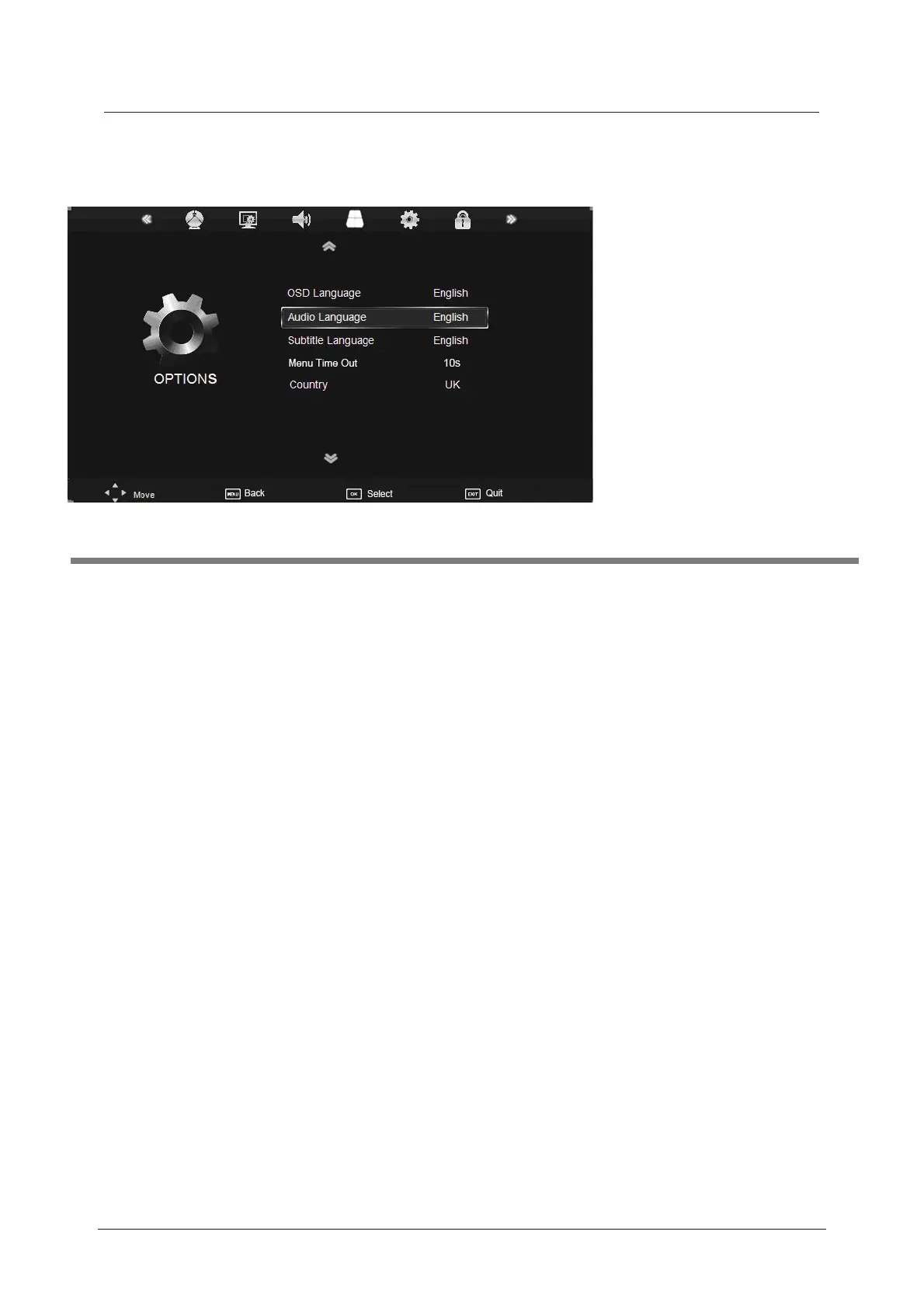
OSD Language: Allows you to select the on screen display menu language.
Audio Language (can only be selected in DTV mode): Select the audio language.
Subtitle Language (can only be selected in DTV mode): Select the subtitle language.
Menu Time Out: Allows you to setup the length of time that the on screen display is
visible: 5s, 10s, 15s, 20s, 25s, 30s, 35s, 40s.
Country: This is defaulted to UK, but can be changed by using the Auto tune function.
Restore Setting: Press the OK button to restore the factory default settings.
5. OPTIONS menu
Description
Restore Setting



 To Next Page