18
If you use the mobile app follow the instructions in the app. Otherwise follow the instructions below
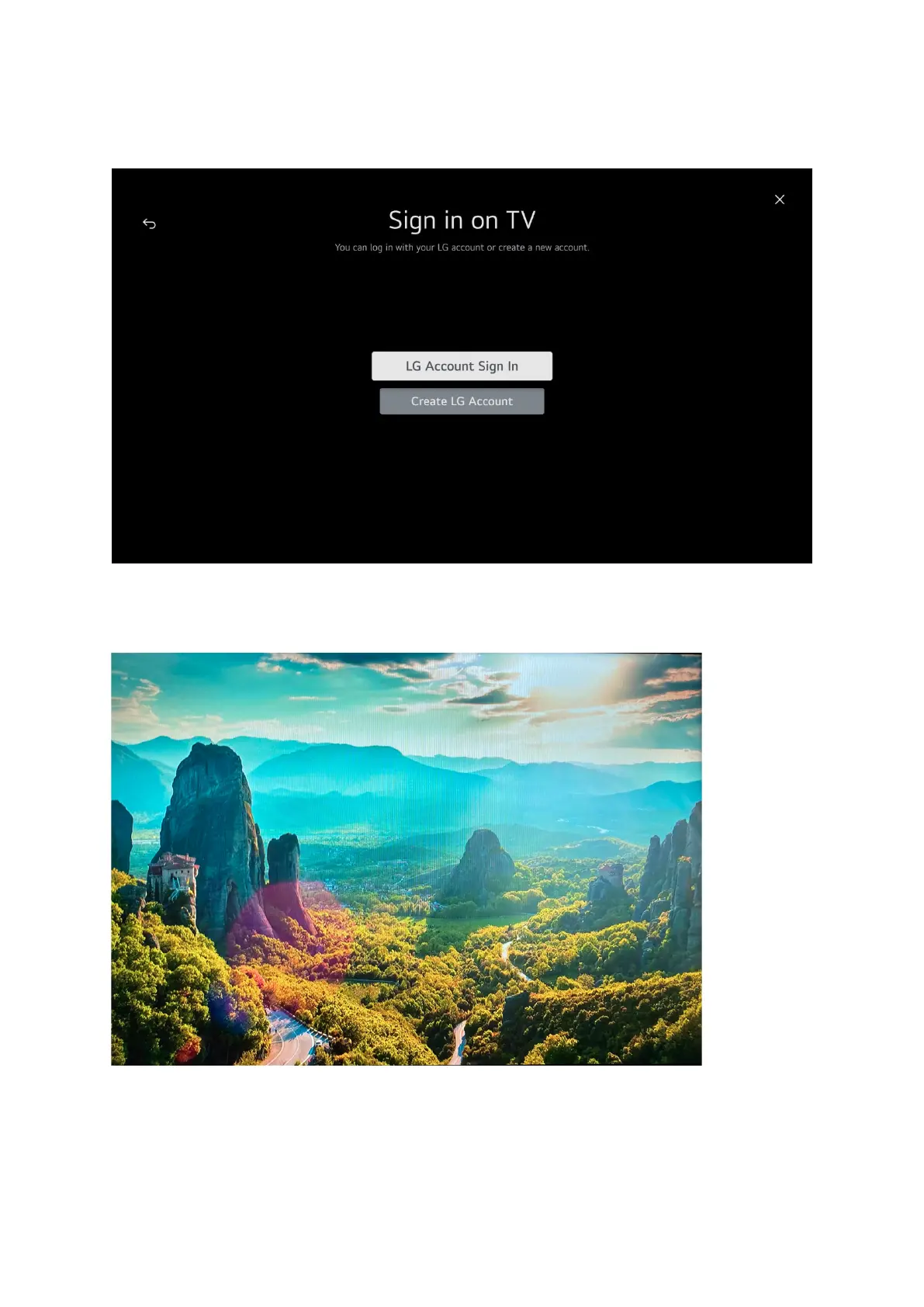
to sign in on the TV
If you have an LG account select the top option, if you don’t you will need to create one so select the
bottom option. Whichever you choose you will need to enter an email address and a password.
Please follow the on screen prompts to complete your sign in.
When you have signed in this Screen will appear and a tune will be played



 To Next Page