47
DVD Fu nction
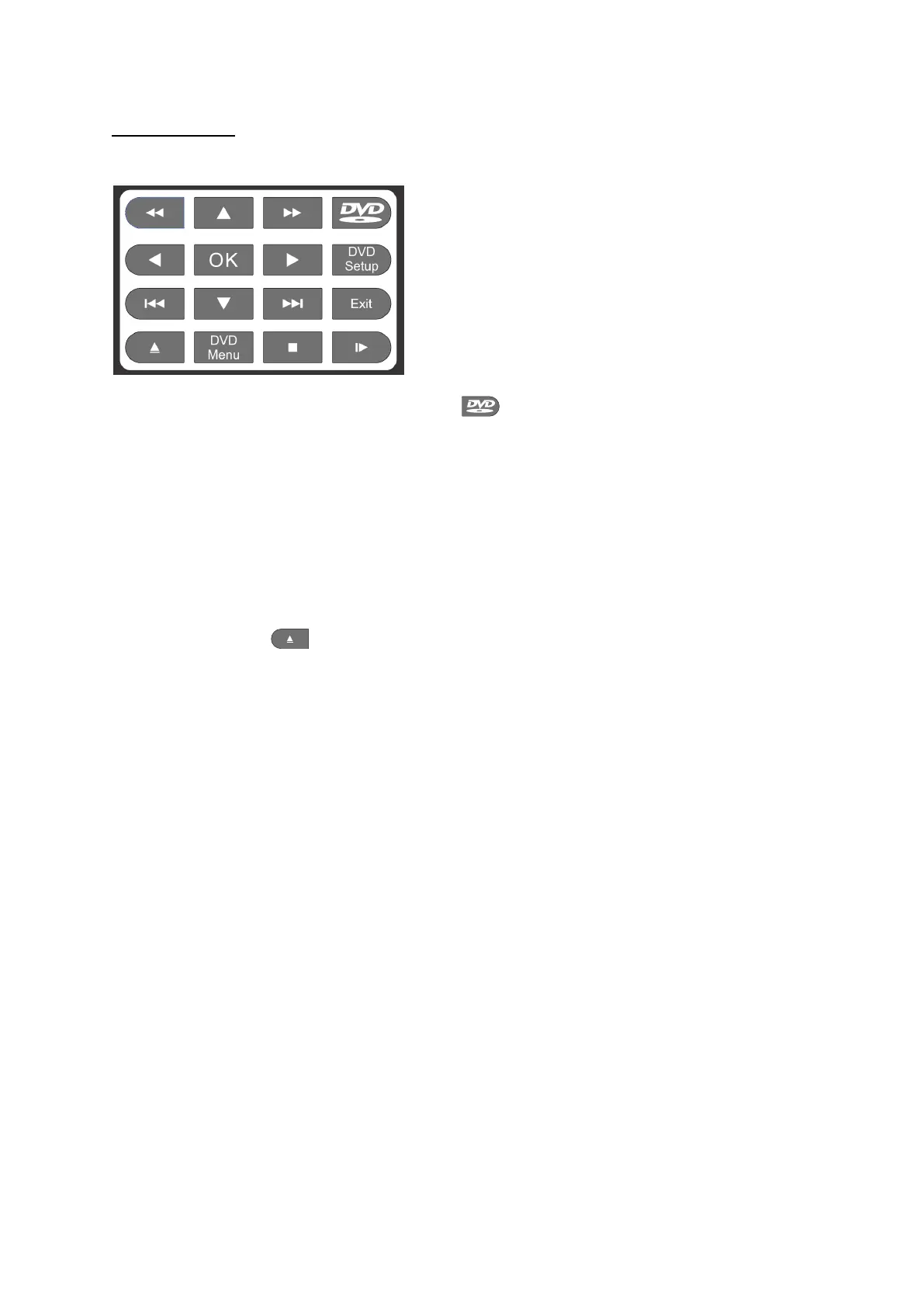
The built in DVD player can be controlled with the buttons on the remote with the white background.
From any screen on the TV press the DVD button to go to the DVD player.
To insert a disc hold this disc with the shiny side facing you and the label side facing away from you,
gently push the disc into the DVD opening on the side until the mechanism catches it and takes it
inside. Do not force the disc as you may cause damage to the disc or the mechanism or both.
The disc will load and the disc me
nu page will be disp
layed, use the arrow keys to make your choice
and then use the OK button. NB only buttons on the area of the remote with a white background will
work with the DVD none of the other keys will have any effect on the DVD operation. Please see the
remote-control leaflet enclosed with the TV for a full list of remote control button functions.
To eject the disc press .
To exit DVD press the exit key or press the source key and select where you want to go.


 To Next Page