Need help?
Do you have a question about the Cellular Line interphone and is the answer not in the manual?
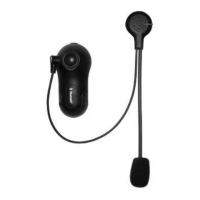
Details the features, benefits, and design of the Bluetooth helmet kit.
Crucial safety advice for riding and device operation.
Lists included items, battery care, cleaning, and guarantee information.
Covers component identification, battery recharging, and powering the device on/off.
Step-by-step instructions for connecting the headset with a mobile phone via Bluetooth.
Details clip and adhesive methods for attaching the module to the helmet.
Covers quick removal, volume, audio transfer, and making calls.
Explains answering/rejecting calls and voice-activated dialling.
Adjusting audio volume and configuring voice-activated answering.
Guides on pairing two units and establishing rider-to-rider/passenger communication.
Switching between phone/interphone modes and managing multiple phone connections.
Concise instructions for pairing phones and initiating interphone conversations.
Highlights key technical capabilities, battery life, and waterproof features.
 General
| Brand | Cellular Line |
|---|---|
| Model | interphone |
| Category | Automobile Accessories |
| Language | English |

 To Next Page