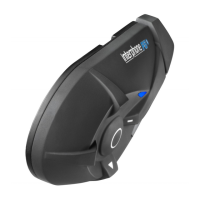
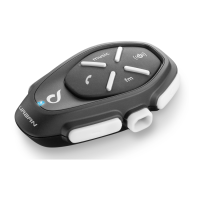
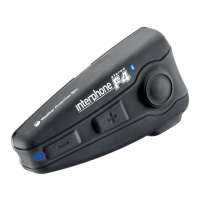
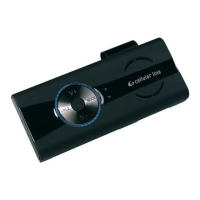
TWO BIKES (OR ONE BIKE AND PASSENGER) AND A PHONE
To pair the phone, follow the ONE BIKE AND A PHONE procedure.
Set the two INTERPHONEs in pairing mode.
- press and hold down the multifunctional button (1) for approx. 5 sec-
onds.
- on hearing the second confirmation sound, release the button and
the LED (2) will begin to flash from red to blue.
- while the two INTERPHONEs are in pairing mode, press and hold
down the Volume + button (3) of one of the two devices (e.g. Bike 1);
after approx. 5 seconds, you will hear 4 repeated sounds and the
LED will turn off (2). Release the button.
- turn the device on once more by pressing the multifunctional button
(1) of Bike 1.
- press and hold down the Volume – button (4) of the second device
(e.g. Bike 2). After approx. 5 seconds, you will hear 4 repeated
sounds and the LED (2) of the first device (Bike 1) will turn off.
Release the button.
- turn the first device (of Bike 1) on once more (Bike 1) by pressing the
multifunctional button (1). Wait 5 seconds before doing anything else.
The two INTERPHONEs are ready.
Test to check that the phone is correctly paired with the kit and that the
vibration mode is activated.
Main Features
Automatic volume control
High/low power audio setting
Voice activated answering (VOX)
Interphone function with passenger or another bike up to 150 metres*
Can be used with GPS systems which integrate vocal transmission via
Bluetooth.
Battery length during talk time - up to 7 hours
Battery length in standby – up to 700 hours
100% waterproof (only with headset/microphone connector inserted)
* 150 metres with a clear field. This value may decrease if there are obstacles.
GB


 To Next Page