30 31
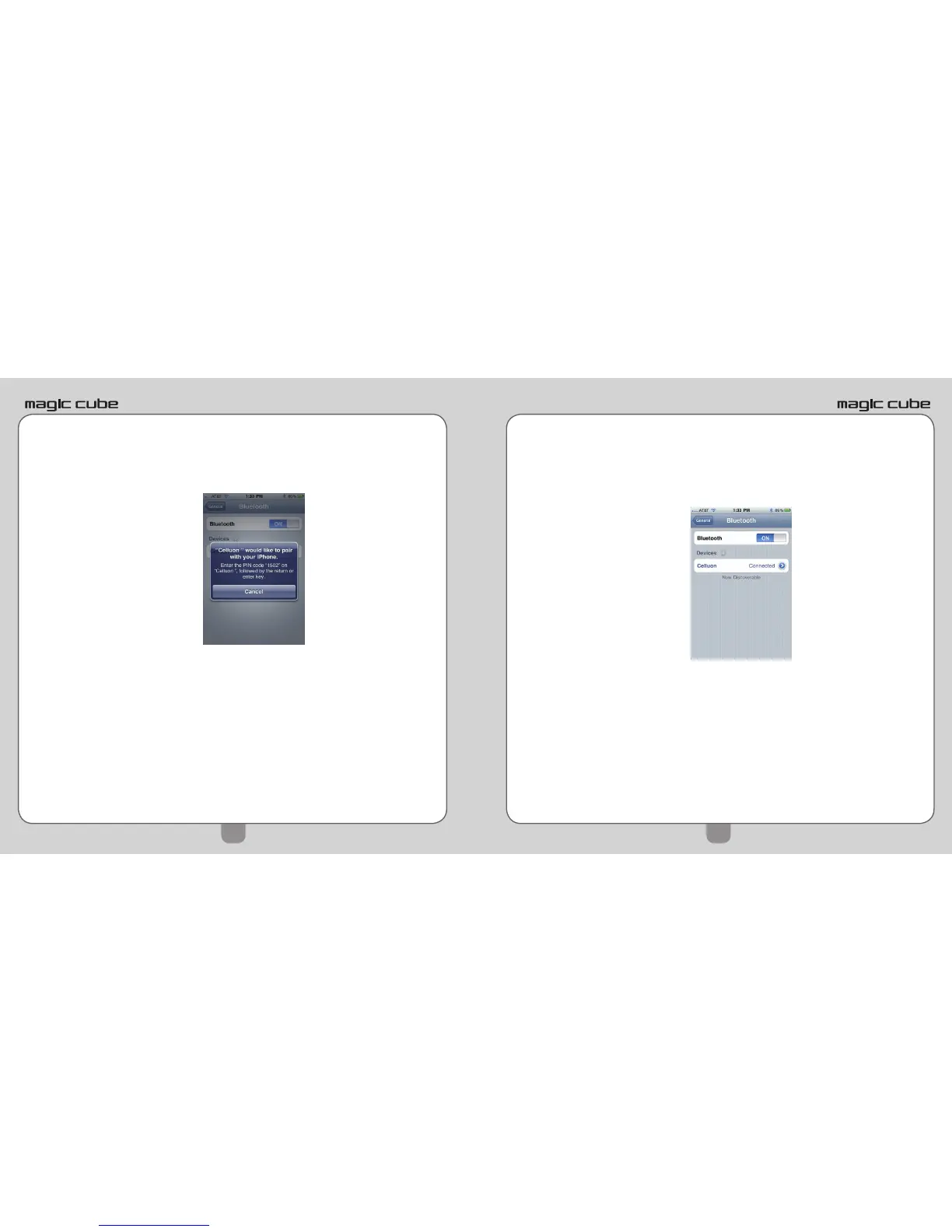
8) A message will pop up “Celluon would like to pair
with your phone. Enter the passkey “xxxx” on Cel-
luon”.
9) Type passkey on Magic Cube keyboard and press
ENTER.
10) Successful pairing is indicated by “Connected”
message, and blue LED on Magic Cube™ becomes
solid.
11) To turn o Magic Cube™, slide power button to the
left.
12) With iPhone/iPad Bluetooth on, Magic Cube™ will
connect automatically upon power on.


 To Next Page