36 37
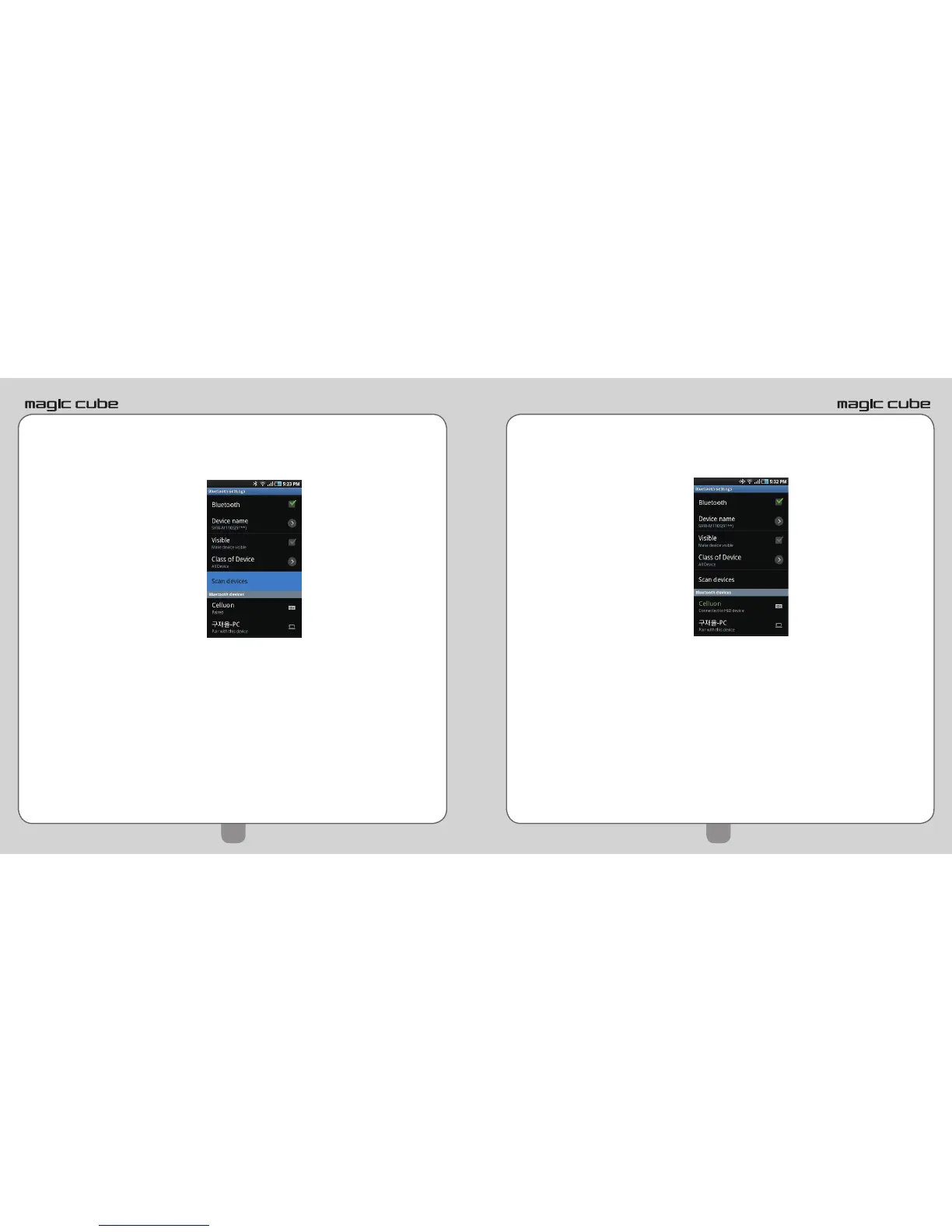
5) From the same screen, with Bluetooth ON, tap on
Scan devices.
6) Android device will detect “Celluon” and display
message “Pair with this device”.
7) Tap on “Pair with this device”.
8) A new message will display on your Android device:
“Bluetooth pairing request. Enter PIN xxxxxx to pair
with ‘Celluon’.”


 To Next Page