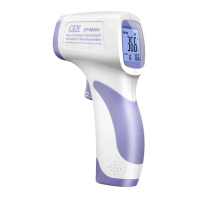
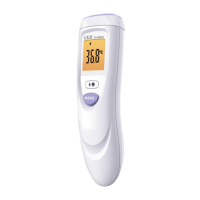
Make sure you select the body mode for internal temperature measurement and the surface mode for
external area measurement (bottle, bath, room ...).
11-7.Data storage
Data memory automatically after temperature measurements displayed in the right corner of the
LCD.Press the "UP" or "DOWN" button to see the last temperature measurement.
When turned off, press the "UP" and "DOWN" buttons at the same time for two seconds to display the
last temperature measurement.In this mode, if you change the sequence number to 0 and press the
"MODE" button, all memory data will be deleted.
11-8.Replacing batteries
Display: When is displayed on the LCD screen, the battery is used.
Operation: Open the lid and change the batteries. Make sure you position yourself correctly. A fault over
it can damage the device and the warranty will not cover it. Never use rechargeable batteries. Use only
batteries for single use.
Remove the battery from the instrument if it is not needed for a long time to prevent damage to the
thermometer from a leaky battery.
11-9. Long-lasting use
The non-contact infrared body thermometer is designed for intensive and professional use. Its longevity
is guaranteed for 40,000 shots.
12. Advice
• The protective glass above the lens is the most important and fragile part of the thermometer. Please
pay careful attention.
• Do not charge non-rechargeable batteries, do not throw fire into them.
• Do not expose the thermometer to sunlight or water.
13.Maintenance and cleaning
• The infrared sensor is the most precise part and must be carefully protected.
• Clean the device with a cotton swab lightly moistened with 70% alcohol.

 To Next Page
 Loading...