Page 13For technical questions, please call 1-888-866-5797.Item 59410
SAFETYOPERATIONMAINTENANCE SETUP
Battery Measurement
Note: Only measure 1.5V or 9V
batteries. Measuring batteries over
9 Volts can damage the meter.
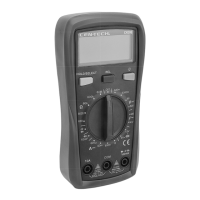
1. Turn the Rotary Dial to the
(battery) position.
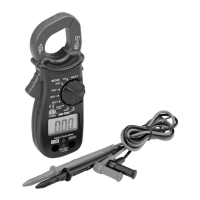
2. Plug black test lead into COM Jack.
Plug red test lead into VΩmA Jack.
3. Connect red probe to the battery’s
anode and black probe to its cathode.
Reading is displayed:
• Good = Normal status
• Low = Low power
• Bad = Need replacement
NCV (Non-Contact Voltage)
1. Turn Rotary Dial to the NCV position.
2. Move the Multimeter close to
the unshielded conductor.
3. Intensity of electric field will be
indicated by dashes
“---” on the LCD screen.
Note: More dashes on the display
and higher buzzer frequencies
indicate a higher electric field.
WARNING! TO PREVENT SERIOUS
INJURY: Even if no indication is given,
voltage may still be present.
Do not rely solely on NCV detection to
determine the presence of voltage.


 To Next Page