Data Logger Instruction Manual
8
Control Panel:
By opening the Control Panel Window, the user can control thermometer via the button in this
window.
DataLogger:
By opening the DataLogger Window, the user can load the recorded data from themometer.
Tabular:
By opening the Tabular window, the present data from the thermometer will be listed in a
scrolling table. These data can be stored as a file or the table can be copy to other software
such as EXCEL for further analysis.
Graph:
Open Real-Time Graph window to show the present data in graph.
Exit:
Terminates THERMOLOG program.
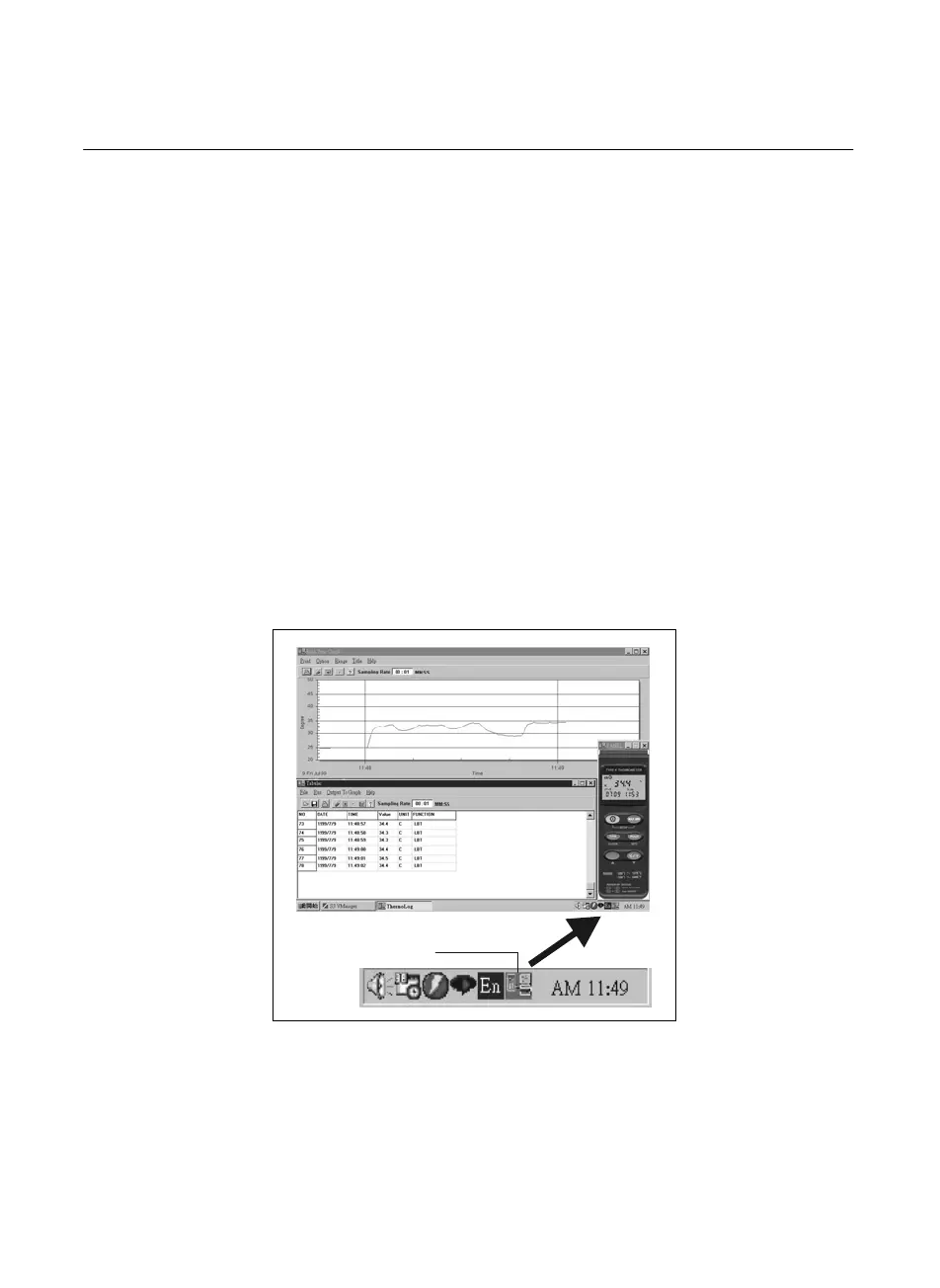
Tray Icon:
When THERMOLOG is running , there will be an icon displayed on the Windows Tray area
(see figure below), you can click this icon then it will show a pop-up menu.
Tray Icon



 To Next Page