Need help?
Do you have a question about the Center 382 and is the answer not in the manual?
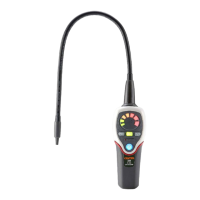
Identifies and labels all physical parts and controls on the instrument's panel.
Explains the meaning of the multi-color LED display for leak concentration indication.
Step-by-step instructions for inserting the required AA batteries into the device.
Explains the function of the automatic ambient reset for ignoring background refrigerant levels.
Details how to adjust the instrument's sensitivity levels (Low, Medium, High).
Explains how to turn the unit on/off and manage auto/manual reset functions.
How to verify the unit and sensor are functioning correctly before leak detection.
Steps for positioning the probe and detecting refrigerant leaks, including alarm indicators.
Step-by-step instructions for removing the old sensor and installing a new one.
Guidelines for cleaning the instrument's housing and important warnings about sensor care.
 General
| Brand | Center |
|---|---|
| Model | 382 |
| Category | Security Sensors |
| Language | English |


 To Next Page