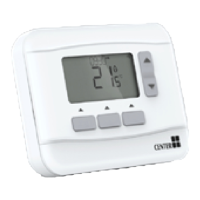
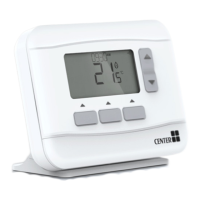
Troubleshooting the EHE0200153
How do I change the batteries on the thermostat when they run out?
The thermostat constantly monitors the battery power level, which typically lasts for
about 2 years before the batteries need to be replaced. When the power is running
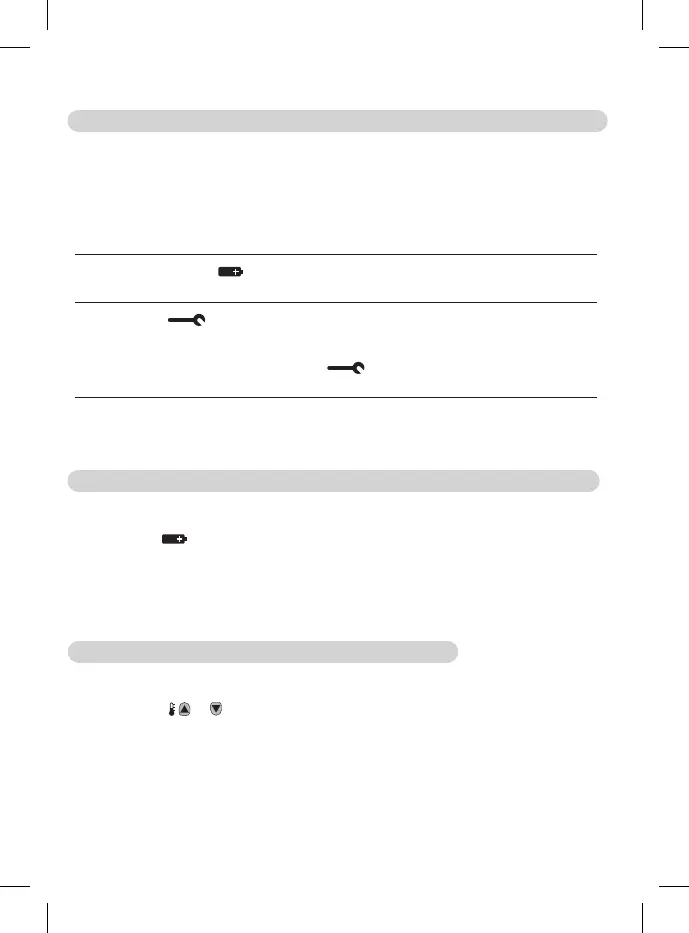
low a flashing symbol will be displayed on the screen. To change the batteries
followthestepsintheabovesection(‘STEP 1: Installing the Batteries’ on page
3),replacingtheusedbatterieswithnewonesinStepc.Note:Whilechangingthe
batteries your program settings will be stored but you may need to adjust the time
settings to be correct.
How do I set one temperature for the whole day?
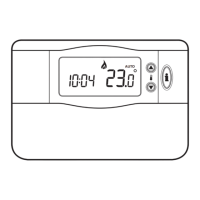
To operate as a simple thermostat with one temperature throughout the day, select
the manual operating mode by pressing the MAN button. Adjust the temperature
by pressing the or buttons-thiscanbesetanywherefrom5°Cto35°Cin
0.5°Csteps.Thethermostatwillcontinuetomaintainthistemperatureuntilanother
operating mode is selected or the temperature is adjusted.
Symptom
BlankDisplay(PowerLoss).
Displayshowsashing
symbol.
Displayshows
symbol.
Remedy
Checkbatteriesareinstalledbyremovingthe
battery cover.
Checkbatterieshavebeeninstalledinthecorrect
orientation.
Replace the batteries.
The batteries in the thermostat are low on power
- Replace the batteries.
A fault has occurred in your heating system.
Remove and re-insert the batteries.
Ifthe
symbol does not clear after a few
minutes contact your installer.
FAQ’s



 To Next Page