EasyManua.ls Logo

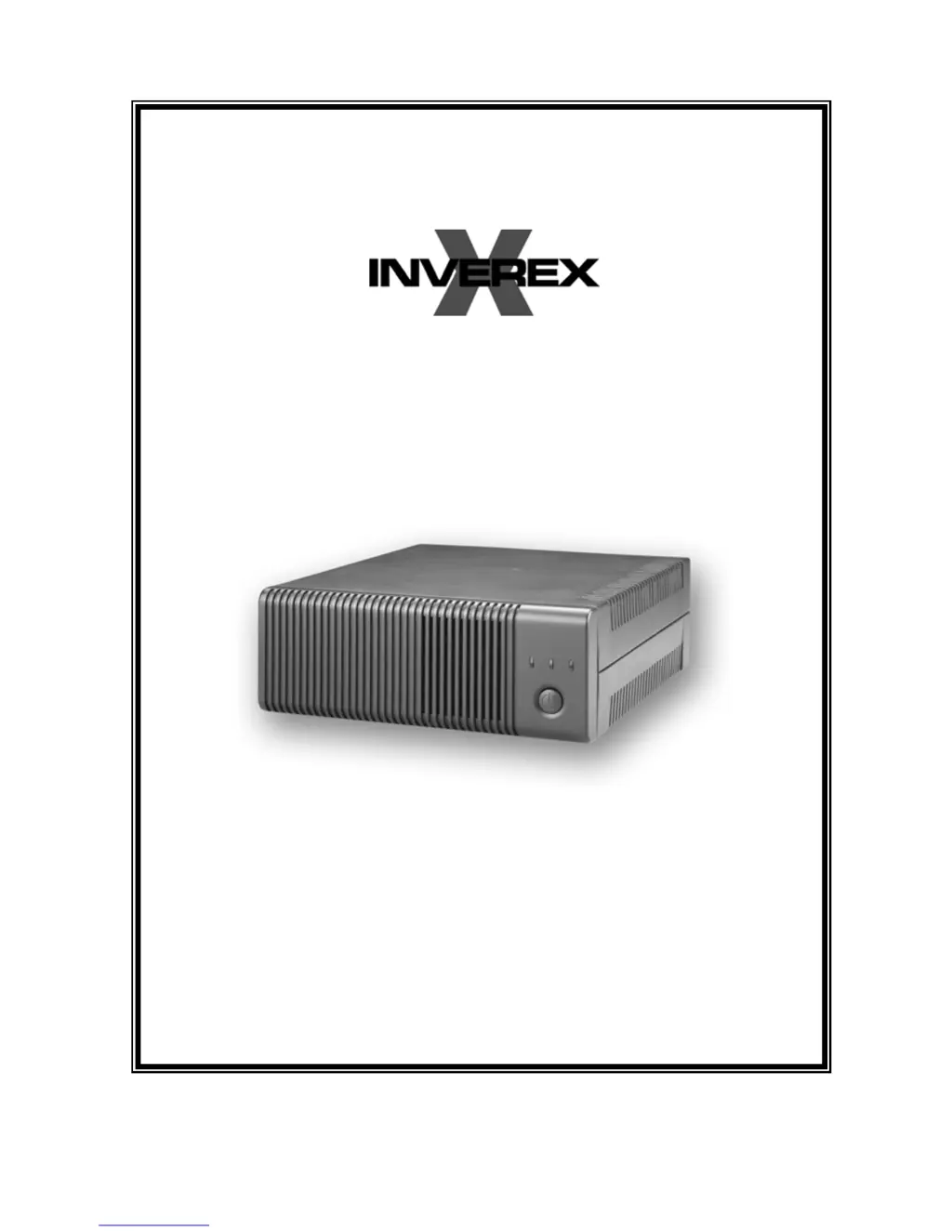
Centralion INVEREX 1000-I - User Manual

Default Icon
11 pages
Print Icon
To Next Page IconTo Next Page
Loading...
USER MANUAL
28-2INV060002

Questions and Answers

Summary

Safety Precautions

General Precautions

General safety guidelines and warnings for using the Inverex unit, including handling and environmental conditions.

Personnel Precautions

Safety measures for personal protection when working with batteries and the Inverex unit, focusing on avoiding injury.

Operation and Controls

Front Panel Controls and LED Indicators

Explains the function of the power button and the status indicated by Mains Mode, Inverter Mode, and Fault LEDs.

Back Panel Description

Details the components and connectors located on the back of the Inverex unit, including input/output and selectors.

Battery and AC Connections

Battery Connection

Step-by-step guide for connecting batteries to the Inverex unit, including series and parallel configurations.

AC Connection

Instructions for connecting the AC input to the Inverex unit, ensuring proper wire connections and safety.

Troubleshooting and Specifications

Troubleshooting

Lists common problems, their possible causes, and recommended remedies for the Inverex unit.

Specifications

Provides detailed technical specifications for various Inverex models including capacity, input/output, and performance.

Centralion INVEREX 1000-I Specifications

General IconGeneral
BrandCentralion
ModelINVEREX 1000-I
CategoryInverter
LanguageEnglish

Related product manuals