EasyManua.ls Logo

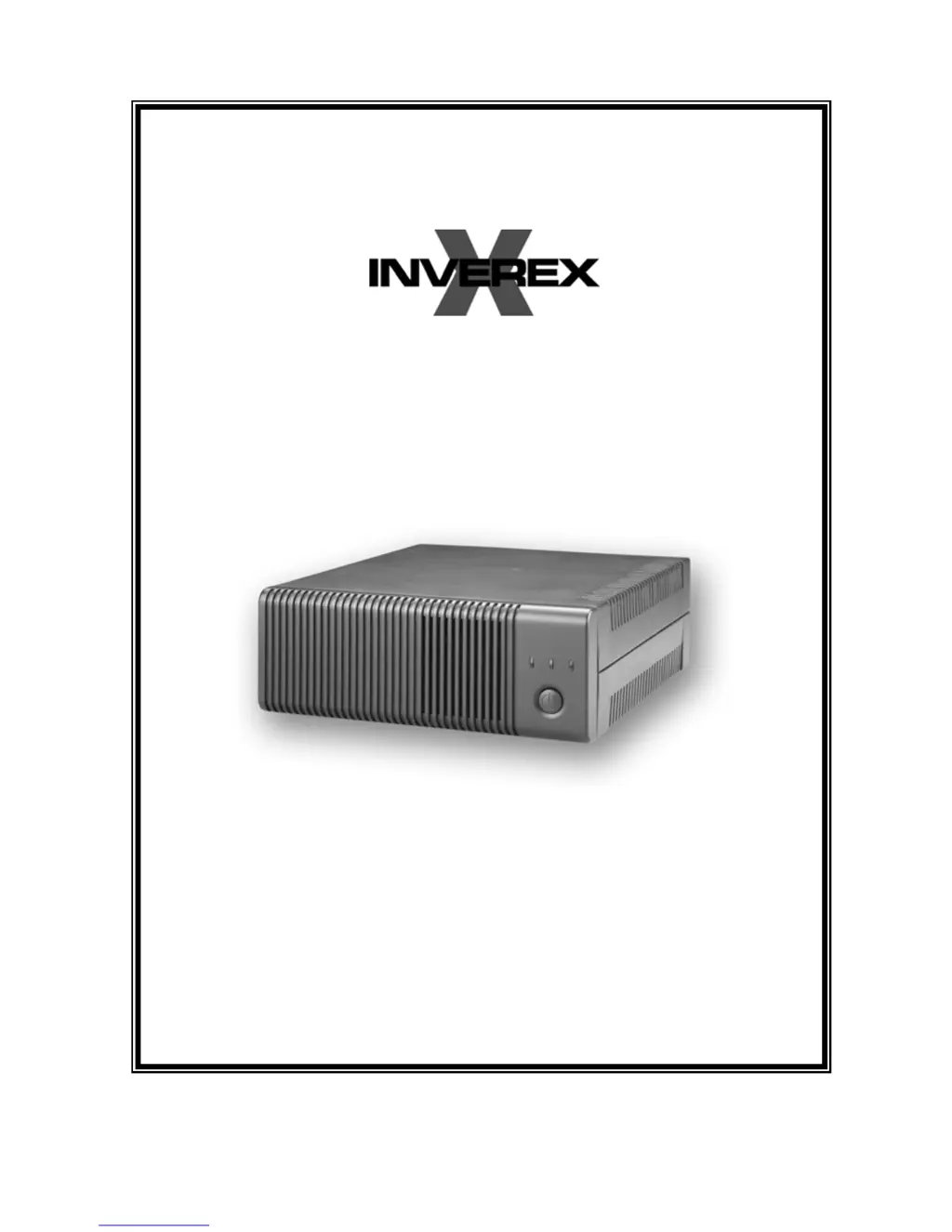
Centralion INVEREX 500-I - User Manual

Centralion INVEREX 500-I
11 pages
Print Icon
To Next Page IconTo Next Page
Loading...
USER MANUAL
28-2INV060002

Questions and Answers

  • C
    Christina ByrdAug 2, 2025
    Why does my Centralion INVEREX 500-I Inverter alarm buzzer beep continuously?
    • K
      kingarianaAug 2, 2025
      If your Centralion Inverter's alarm buzzer beeps continuously, it likely indicates an overload. To resolve this, ensure that the load matches the capability specified in the specs.
  • G
    Gregory BatesAug 9, 2025
    What to do if Centralion INVEREX 500-I works in inverter mode when mains are normal?
    • D
      David KleinAug 9, 2025
      If your Centralion Inverter is operating in inverter mode even when mains are normal, it could be due to a missing AC input or an effective input protector. First, check the AC input connection. If that's not the issue, reset the input protector.
  • E
    erinhansenAug 16, 2025
    Why is the back up time of my Centralion INVEREX 500-I Inverter shortened?
    • T
      Traci Good DDSAug 16, 2025
      If the backup time of your Centralion Inverter is shortened, it may be due to overload or low battery voltage. Try removing some non-critical load. If the issue persists, charge the battery for 8 hours or more.
  • W
    William Aguilar Jr.Aug 25, 2025
    How to fix Centralion Inverter when there is no LED display?
    • G
      George McfarlandAug 25, 2025
      If there is no LED display on your Centralion Inverter, the cause may be a weak or defective battery, or the power switch may not be pressed. Try re-charging the battery cable and DC input connection. If that doesn't work, the battery may need replacement. Also, ensure that you press and hold the power switch.

Summary

Safety Precautions

General Precautions

Key instructions and warnings for safe operation, battery handling, and environmental exposure.

Personnel Precautions

Safety measures for individuals working with or around the Inverex and its batteries.

Introduction and Features

Product Introduction

Overview of the Inverex unit's capabilities as a UPS, standalone power source, or automotive inverter.

Key Features

Highlights of the Inverex unit's functionalities and design advantages.

Operation and Indicators

Front Panel Controls and LED Indicators

Explanation of the power button and status indicator lights on the Inverex front panel.

Back Panel Components

Input Voltage Range Selector

Details on selecting the appropriate input voltage range for optimal unit performance.

Battery Connection

Connection Steps and Cautions

Detailed steps for connecting battery cables and important safety warnings during the process.

Battery Configurations

Single Battery Connection

Guidance for connecting a single battery to match the Inverex nominal input voltage.

Series and Parallel Battery Connections

Instructions for connecting multiple batteries in series or parallel for extended backup.

AC Connection

AC Input Wiring

Procedure for connecting the AC input cable to the terminal block and plugging in equipment.

Troubleshooting Guide

Problem Resolution

Common issues, their possible causes, and recommended remedies for the Inverex unit.

Specifications Table

Model and Technical Data

Detailed technical specifications for various Inverex models, including capacity, input/output, and physical attributes.

Centralion INVEREX 500-I Specifications

General IconGeneral
BrandCentralion
ModelINVEREX 500-I
CategoryInverter
LanguageEnglish

Related product manuals