EasyManua.ls Logo

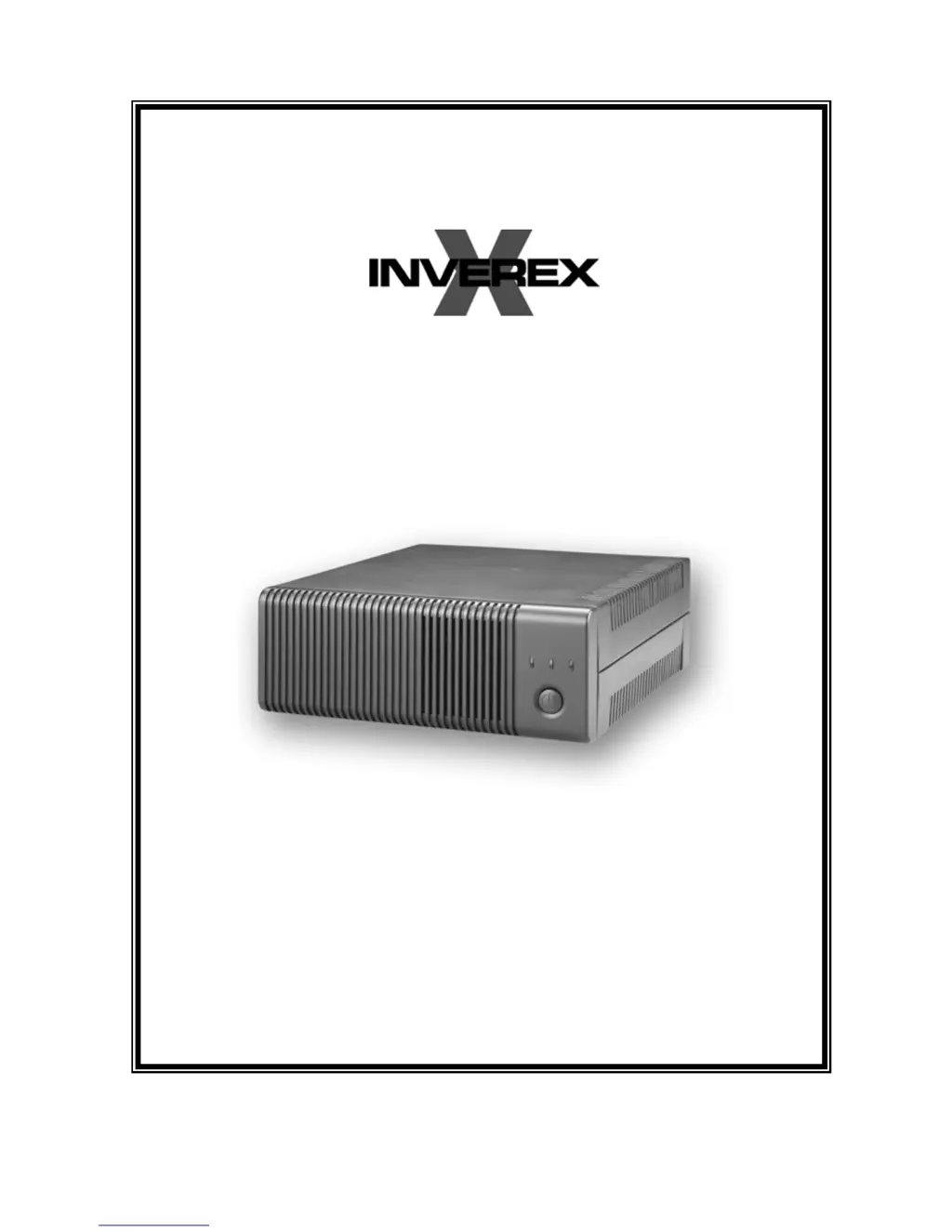
Centralion INVEREX 2000-I - User Manual

Default Icon
11 pages
Print Icon
To Next Page IconTo Next Page
Loading...
USER MANUAL
28-2INV060002

Questions and Answers

Summary

General Precautions

Personnel Precautions

Safety measures for personnel, including handling battery acid, avoiding sparks, and removing metal objects.

Introduction

Features

Key functionalities of the Inverex unit, including automatic switchover, selectable voltage ranges, and overload protection.

Operation

Front Panel Controls and LED Indicators

Description of front panel buttons and LED indicators like Power, Mains Mode, Inverter Mode, and Fault.

Back Panel Description

Input Voltage Range Selector

Explanation of the selector for 'Narrow' and 'Wide' input voltage ranges and their implications.

Battery Connection

Connecting Battery Cables

Procedure for connecting battery cables to the Inverex terminals, ensuring correct polarity and secure connections.

Single Battery Connection

Guidance for connecting a single battery, specifying voltage requirements matching the Inverex nominal input voltage.

Series Battery Connection

Instructions for connecting multiple batteries in series, ensuring equal voltage and amp hour capacity.

Parallel Battery Connection

Instructions for connecting multiple batteries in parallel, ensuring equal voltage for extended backup time.

AC Connection

Troubleshooting

Specification

Centralion INVEREX 2000-I Specifications

General IconGeneral
CategoryInverter
Output Power2000W
WaveformPure Sine Wave
Input Voltage12V DC
Output Voltage220V
Frequency50Hz
ProtectionOverload, Short Circuit
CoolingFan
Operating Temperature0°C to 40°C

Related product manuals