Setup and Connections
Connections are easy and intuitive with your DACmini. To prevent
initial turn-on pops, CEntrance recommends connecting the audio and
USB connections first, and then connecting the power supply. For
proper power supply sequencing, the power cord should always be the
last thing to plug into the unit.
When setting up the computer, make sure your DACmini is selected as
the default audio output device:
• In Mac OS X, selection should be automatic, but may also be
configured in System Preferences -> Sounds.
• In Windows OS, selection should be automatic, but may also be
configured in device manager or inside the audio application.
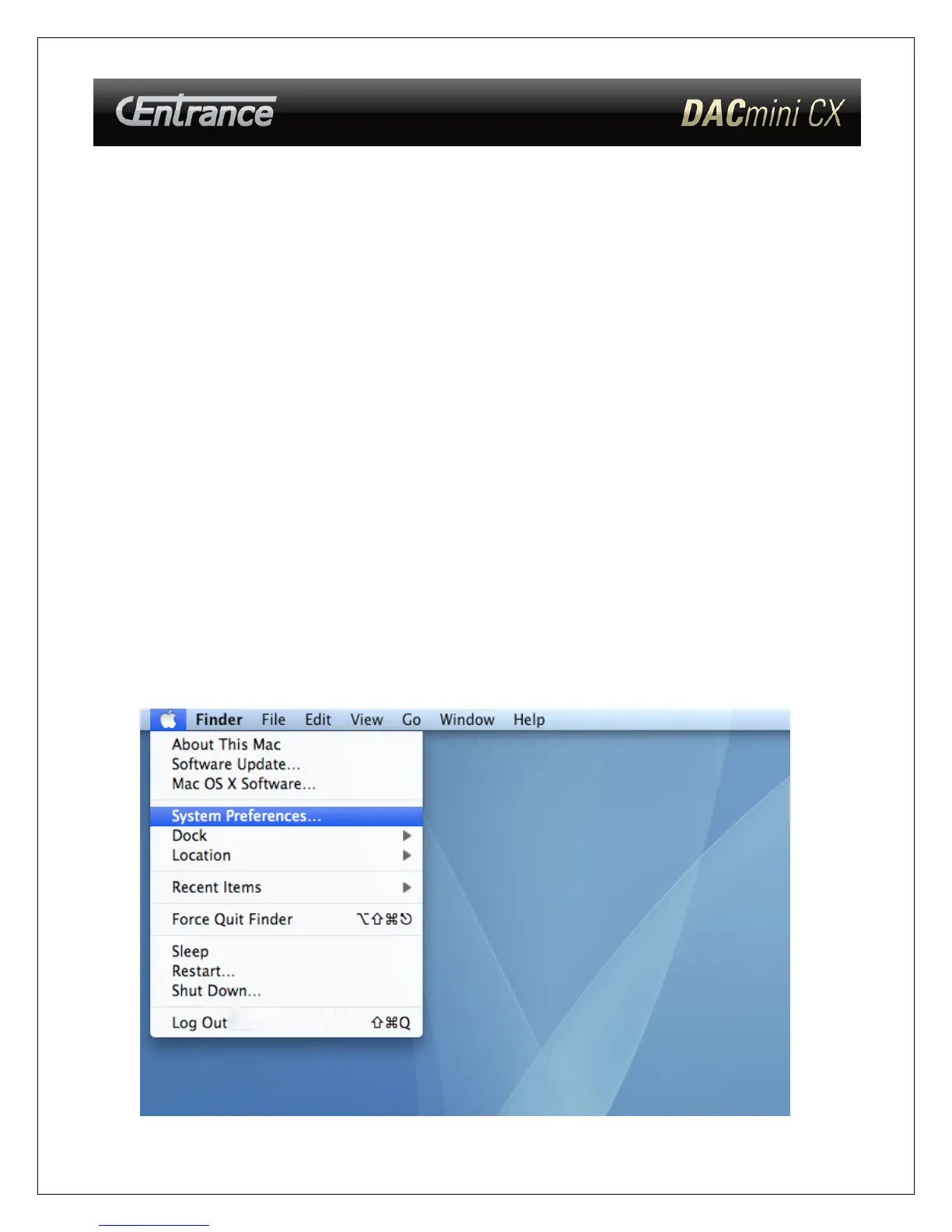
Mac OS X setup
1) Select “System Preferences” from the Apple Menu
- 5 -



 To Next Page