N
E
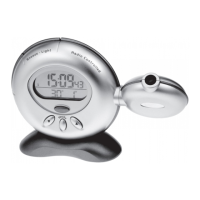
A. [SNOOZE/LIGHT] button
- Enables snooze function when alarm goes o
ff
- Activates the projector and backlight for five seconds
B. [PROJECTION ON] switch
Enables continuous projection of time when power adapter is connected
C. [UP ] and [Down ] buttons
Increases or decreases the value of a setting
D. Swivel Projector
For projecting the current time on walls or ceilings
E. [ALARM] button
Sets time for the two alarms
F. [MODE] button
Toggles display modes and confirms entry in clock setting mode
G. Battery compartment
Accommodates two (2) UM-3 or “AA” size batteries
H. [RESET] button
Resets unit by returning all settings to factory default values
I. 3V AC adapter jack
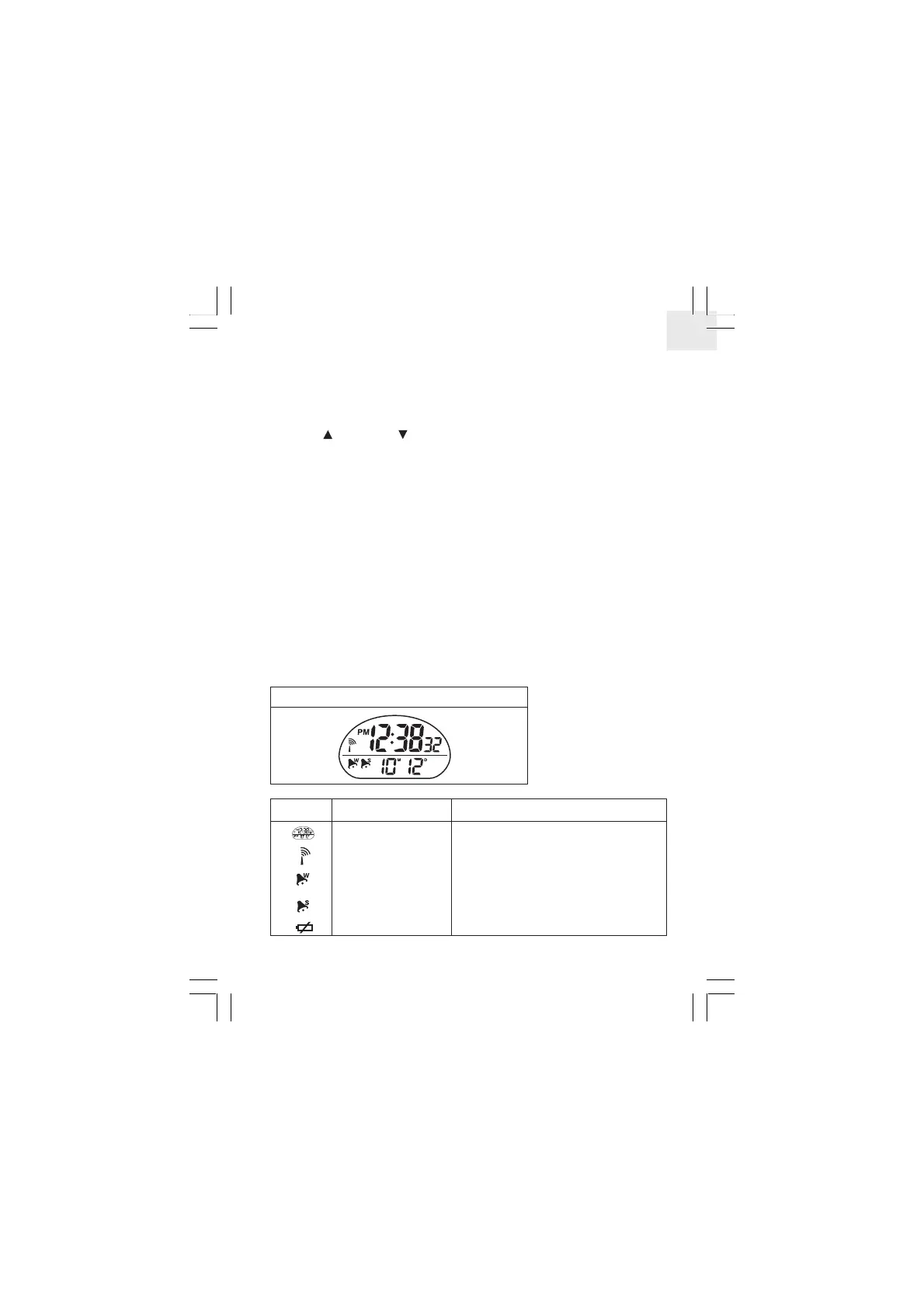
LCD display symbols
LCD display symbols
Symbol Description Explanation
Two-line display
Radio reception signal
Weekday Alarm icon
Single
Alarm icon
Low Battery icon
Displays the current time and calendar / alarm time
Indicates the condition of radio reception
Appears when weekday alarm is activated
Appears when single alarm is activated
Appears when power is low
2


 To Next Page