N
E
NOTE
Replace the batteries whenever the low battery icon( ) is displayed, the
LC
D is dim, or the display does not illuminate when the power is on. Replace all the
batteries at the same time – it is dangerous to mix old and new batteries.
Contact your local waste disposal authority for instructions on how to dispose of
use
d batteries. Used batteries can be harmful to the environment, and should not be
thrown out with household trash.
Connecting to an AC power source
Your product comes with an AC power adapter. Use of the AC power adapter is
required for continuous time projection.
Onc
e the power adapter is in place, you can leave the projector on for a longer
perio
d of time (such as throughout the night) by sliding the [PROJECTION ON]
switch on the side of the unit.
To turn off the projector, slide the switch back.
NOTE
Note that this switch can only be used with the power adapter installed. For
momentary projection, press the [SNOOZE/LIGHT] button.
ABOUT RADIO RECEPTION
This product is designed to synchronize its calendar clock automatically once it is brought
withi
n range of the radio signal. When the unit is receiving the signal, the Radio Reception
symbo
l will start to blink. Generally, complete reception takes around 2 to 10 minutes, de-
pendin
g on the strength of the signal. The clock automatically searches for radio signals at
1AM, 2AM, 3AM, 9AM, 3PM and 7PM daily.
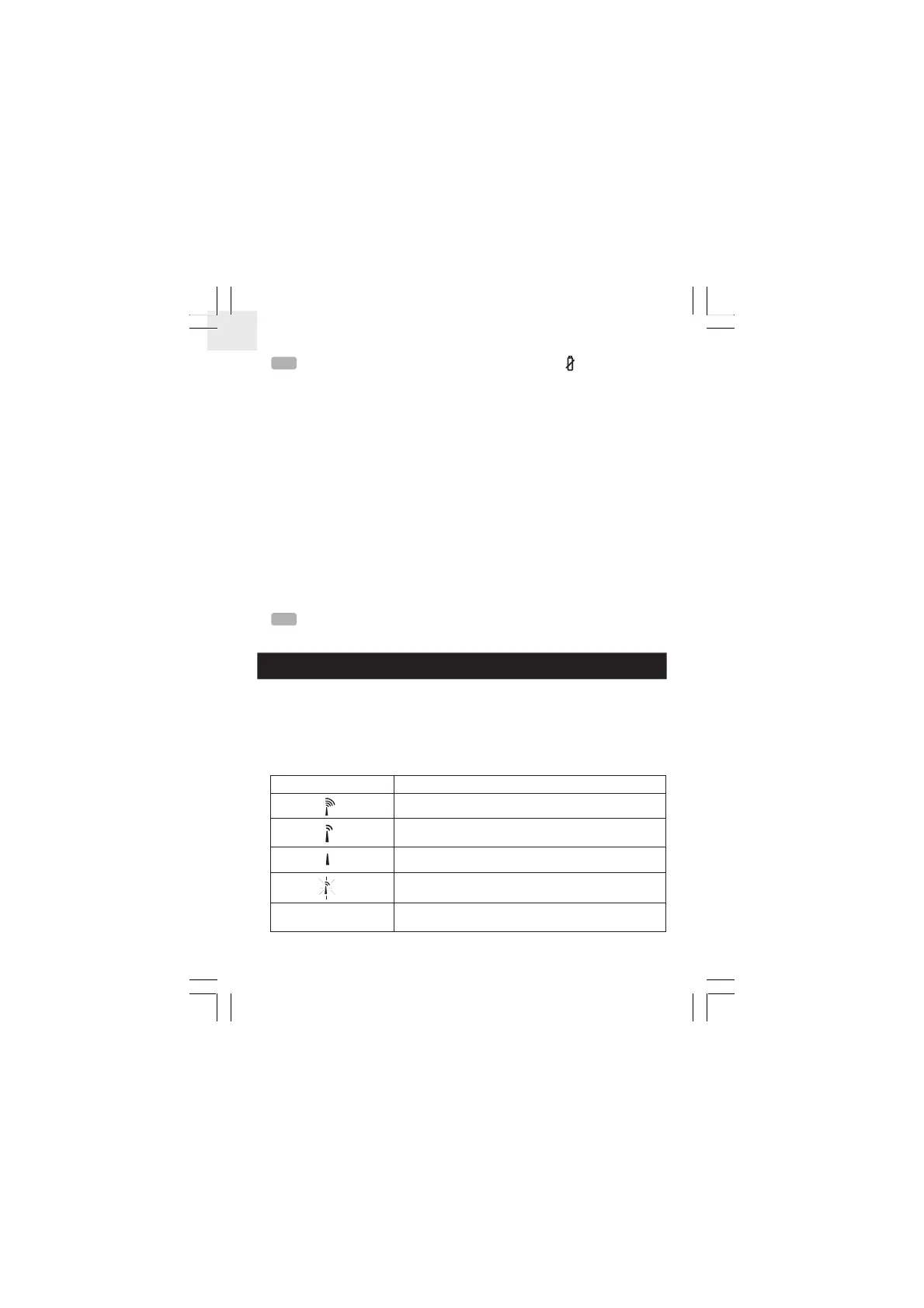
Radio Reception Description
Strong reception of radio clock signal.
Weak reception of radio clock signal.
No reception of radio clock signal.
Receiving the radio signal.
Radio Reception is disabled.
5


 To Next Page