Z059 User and Installation Guide January 2010
Page 4
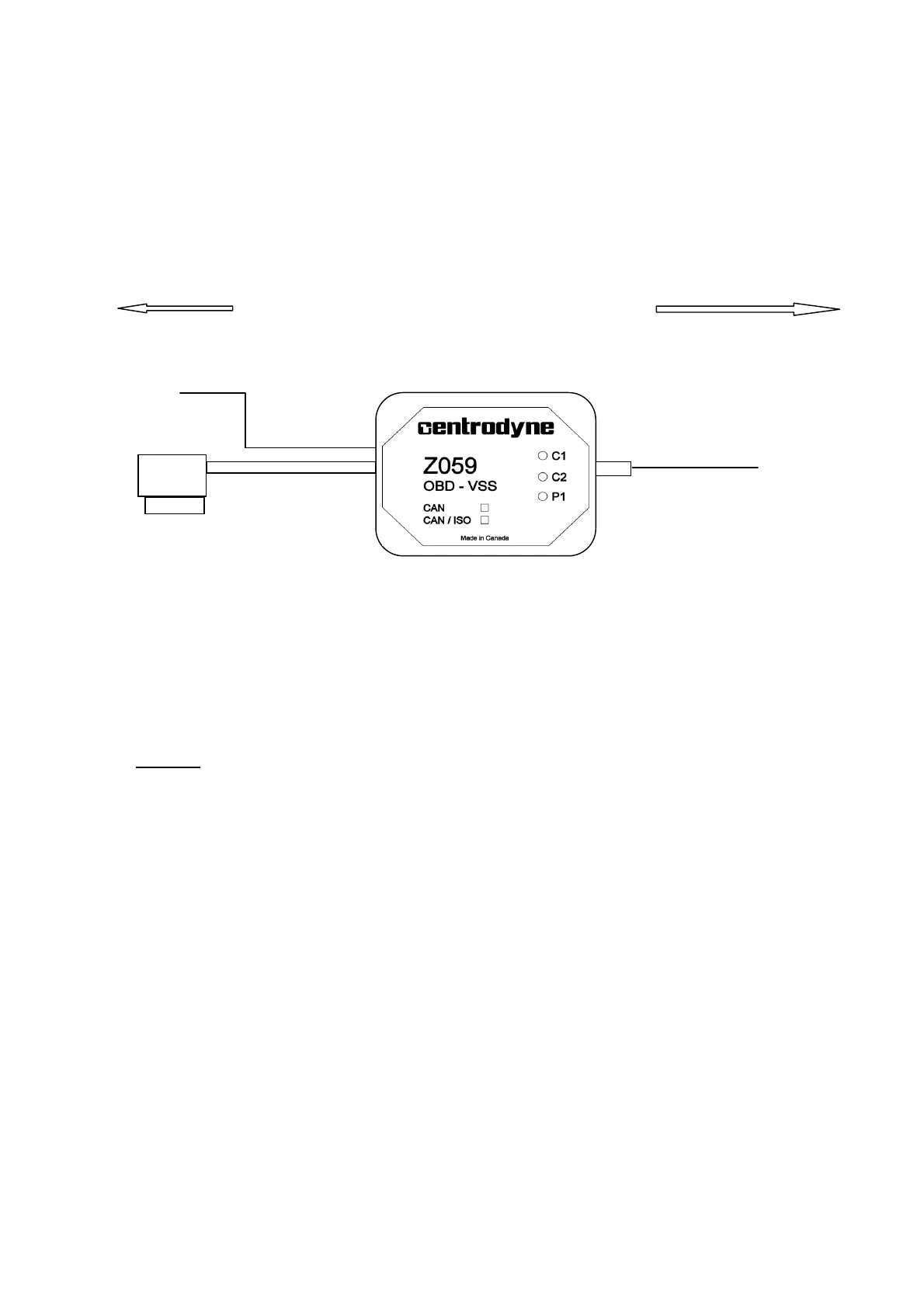
● Connect the White wire to the Taximeter VSS input.
( refer to taximeter installation manual).
● Locate the OBD connector in the vehicle, generally within the area of the driver’s seat.
● Plug the OBD connector from the Z059 into the vehicle’s OBD connector.
Optional
● Connect the green wire to a circuit in the vehicle that is switched by the ignition.
Otherwise
● Leave the wire unconnected and unexposed. Should you not want or need the standby
feature the wire can be safely clipped off.
● Start the engine on the vehicle.
● Observe the status LEDs. C2 and C1 flash every second to indicate it is attemping to
communicate with the vehicle. If after 10 seconds of not finding a protocol it will start
searching for another. Once a protocol is found one of the two C LEDs with go on
solid indicating the protocol found ( see tables below ).
● Verify the P1 LED goes on with vehicle speed. At very low speeds the LED will flash
with each speed pulse.
● Secure the installation, but allow for removal of the Z059 Converter in case of vehicle
maintenance.
Taximeter
Vehicle OBD
Green


 To Next Page