DE ENFRPL ES
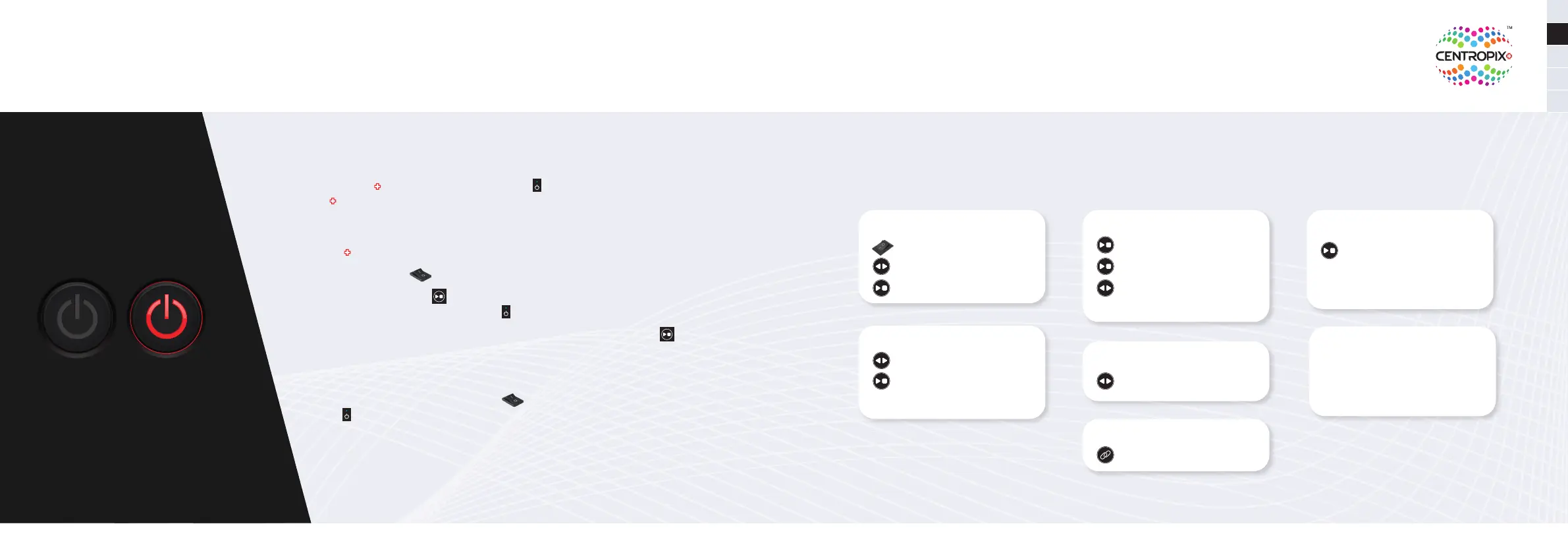
Standby mode
• When the
KLOUD
is started, the blue LED ashes
for approx. 15 seconds and the
KLOUD
is ready to be used. If no further button is pressed, the »standby mode«
automatically starts after 5 minutes.
• The „standby mode“ requires very little battery. Therefore, with a fully charged
KLOUD
, the battery will last up to 3 weeks in »standby mode«.
• If the »on-o button« is turned o, the device is NOT in »standby mode«.
• If the »start-stop button«
is pressed for 3 seconds, the device switches to
»standby mode«. The blue LED ashes
during shutdown and then switches o.
• To activate the device from »standby mode«, press the »start-stop key«
for
1 second and the device is immediately ready for use.
• Since all LEDs are switched o during »standby mode«, it is not possible to see
whether there is still enough battery for an application. To check the battery
status, switch the »on-o switch« o and then on again. If the blue LED
ashes, the device boots up and is ready for use again after 15 seconds.
Otherwise please charge the battery.
• During »standby mode«, you cannot connect the app to the applicator.
13 14
Key Combinations at a Glance
Start program
Set the on-o switch to „I“
Select the desired program with
the program selection button
Press the start-stop button once
Magnetic eld intensity
Start program
Hold the start-stop button for
2 seconds to see the intensity level
While holding the start-stop button,
select the desired intensity with
the program selection button.
Standby mode
Hold the start-stop button for
three seconds
Or: Do not press any button for
5 minutes (Exception: program
is running)
Do-not-disturb Mode
Hold the program selection button
and the start-stop button
simultaneously.
Now, only the “ON” LED is on.
Check battery level
Hold the program selection
button for 3 seconds
Activate Bluetooth
Press the Bluetooth button once
Deactivate WiFi in the app
Open the App on your smartphone >
Menu > Settings > WiFi congurations >
Turn on the WiFi toggle key > Enter WiFi
name and password > Connect > Pair.


 To Next Page
 Loading...