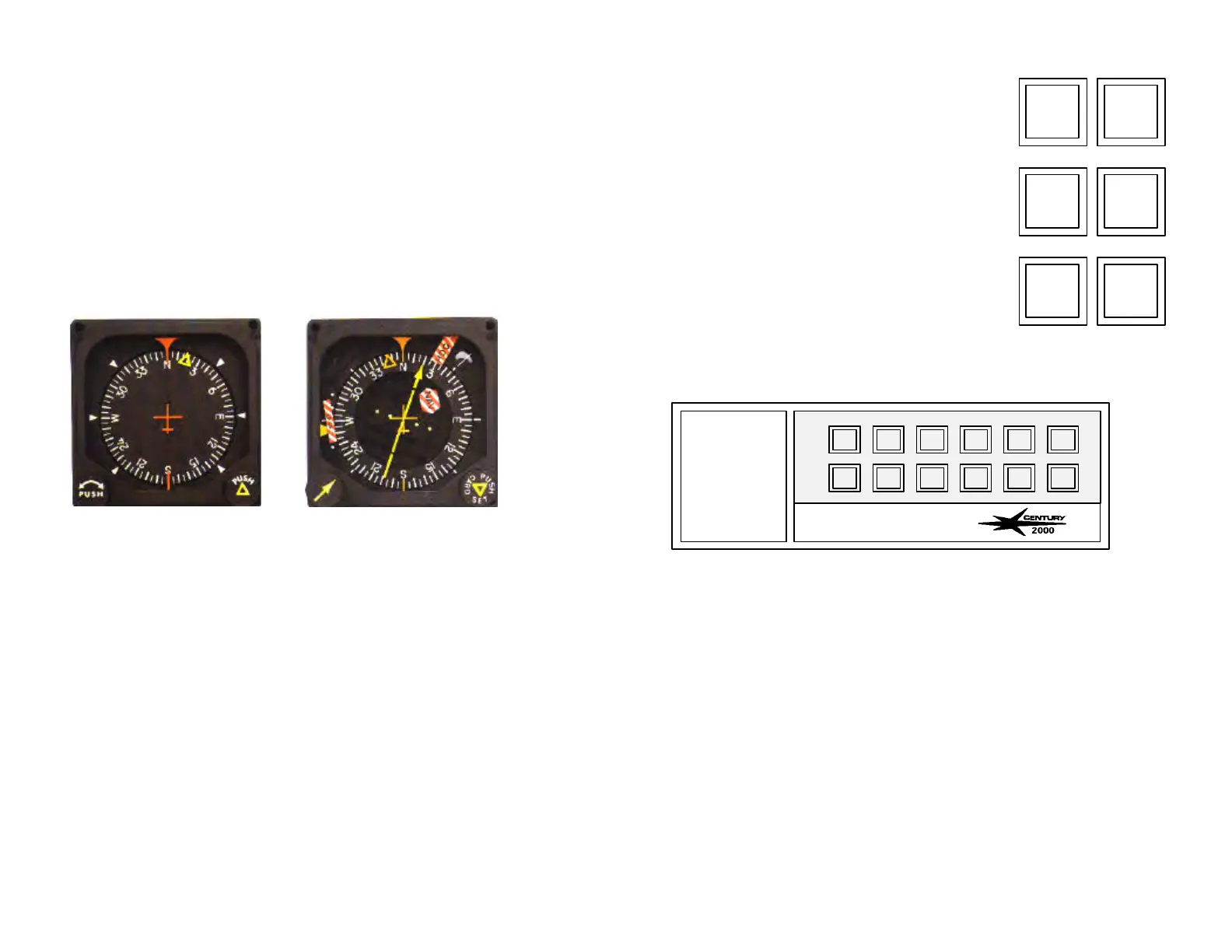
HEADING SYSTEMS
In systems equipped with a DG the autopilot heading bug must be set to
match the selected VOR/LOC course when in NAV, APR, or REV modes.
For loran or GPS tracking, set the heading bug to the “desired bearing”
information.
In systems equipped with and NSD-360A, NSD-1000 or other HSI
instrument, the heading bug is disabled when in the NAV, APR, or REV
modes. In these modes the azimuth information to the autopilot is
provided by the radio course pointer.
NOTES
In systems equipped with an NSD-360A, NSD-1000 or other HSI always set
the radio course pointer to the Front Course Inbound Heading when
operating in the APR or REV modes.
In systems equipped with a DG, during an instrument approach, the
heading bug must be set to match course for the segment of the
approach being flown when using the NAV, APR, or REV modes.
See section on operating techniques for additional operating instructions
for the NSD-360A, NSD-1000 and the DG.
SELECTED INTERCEPT ANGLE
In systems equipped with a NSD-360A, NSD-
1000 or other HSI, a selected intercept angle
function is available while operating in the NAV,
APR, and REV modes.
Selected angle intercepts are initiated by
performing the following steps:
1. While operating in the HDG mode, set the
course pointer to the desired radial .
2. Set the heading bug on the NSD to the
desired intercept heading.
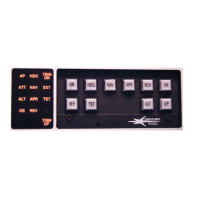
3. Press the HDG and NAV, HDG and APR or
HDG and REV mode buttons simultaneously.
Both HDG and the selected lateral mode will now illuminate on the
annunciator. As the aircraft begins its on-course turn, the HDG
annunciator will extinguish indicating that the system has captured the
selected radio course and is now receiving azimuth input from the radio
course pointer.
NOTE
If valid radio signal is lost after initiating a selected angle intercept, the
applicable navigation mode annunciator will flash and the autopilot will
remain in the HDG mode.
HDG NAV
HDG APR
HDG REV
ON HDG NAV APR
REV DN
OFF TST FD YD ALT UP
HDGAP
NAV
15 16


 To Next Page