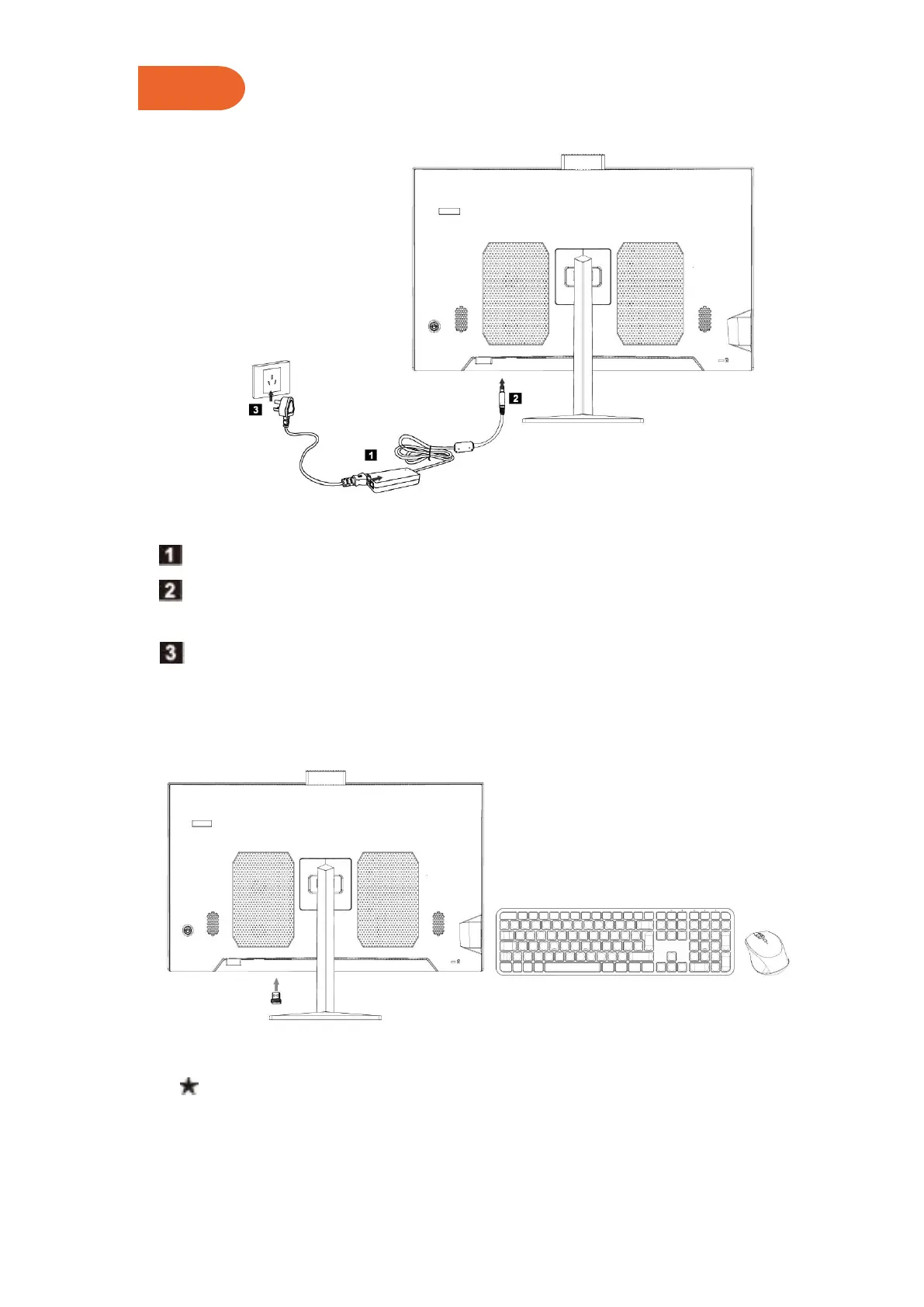
2.3 Connect the Power Supply
Connect the power adapter to the power cord.
Connect the power adapter to the corresponding interface on the back of the
computer.
Connect the power cord to a properly grounded power outlet.
2.4 Connect the Mouse and Keyboard
Connect the USB keyboard and mouse to the USB interface of the computer.



 To Next Page