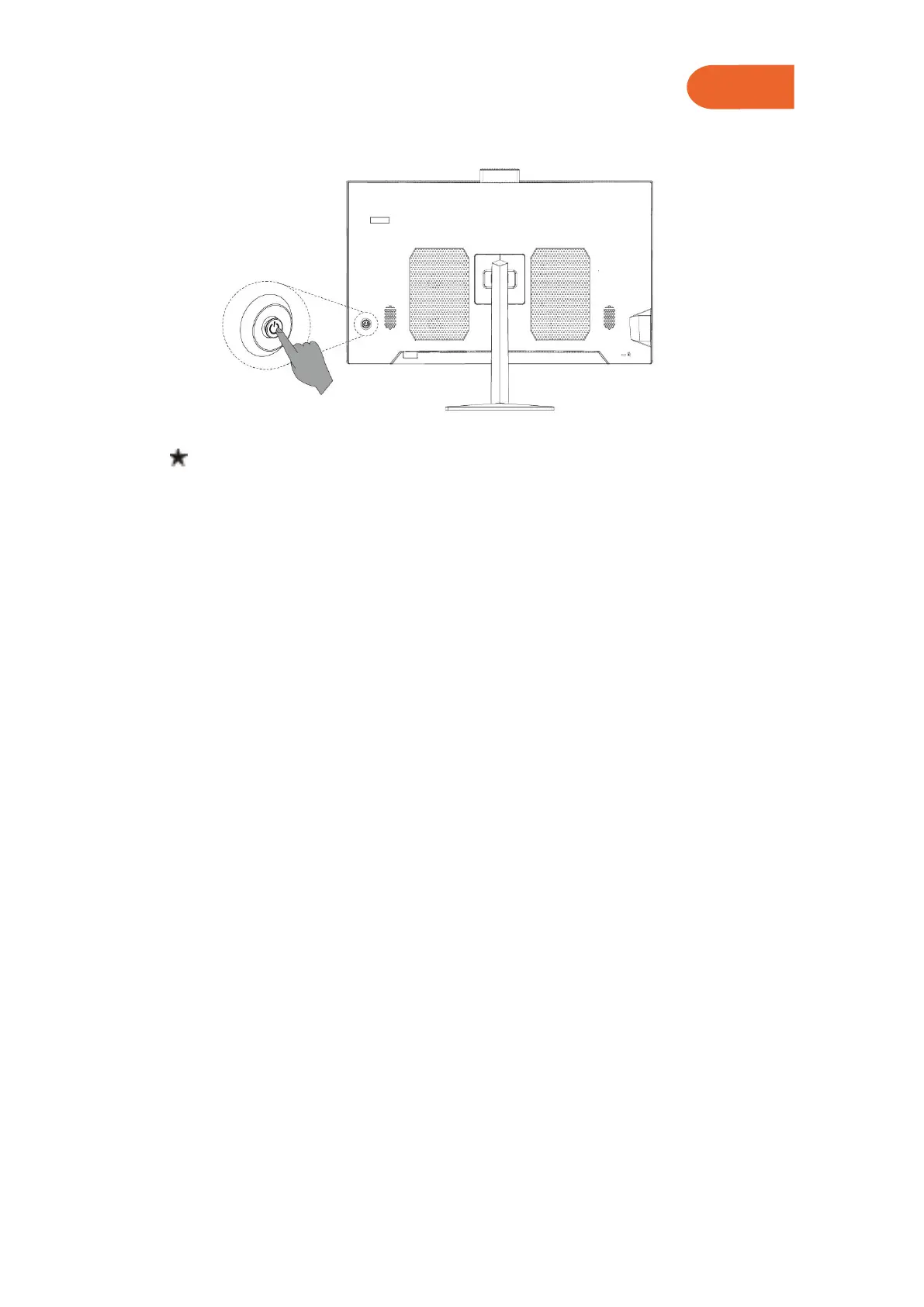
2.5 System Startup
With the computer properly connected, press the power button on the back
Panel of the computer to turn it on.
3. Frequently Asked Questions(FAQ) and Attentions
Q1: How to set the display attributes?
A: ① The display background and the icons on the screen can be adjusted by
resetting the display attributes. Right click the mouse on the desktop where there
are no icons, then select the screen resolution on the popup menu to adjust the
display attributes.
② Open the dialog box of screen resolution to select the proper resolution and
screen Display direction.
③ Drag the mouse pointer to the pull-down menu of resolution to select a resolution
you want.
④ Select a direction you want on the pull-down menu of direction.
Q2: Why there’re water ripples on the display screen?
A: Check carefully whether there’s a refrigerator, electric fan, electric hair dryer,
uninterruptible power supply, voltage stabilizer, fluorescent lamp or other device
That may cause magnetic field interference within 1 meter around the computer.
Beside, if the screens of two computers are too close together(within 1 meter),
water ripples will also appear on both screes. The solution is to move the
interference device away from the computer; if it doesn’t work, please ask consult
the after sale department.
Q3: What if the display screen becomes black and all image
disappear?
A: Check if the computer is turned on, if not, turn on the computer. If it’s still a black
screen with no image at all after being turned on, please consult the after-sale
service staff.



 To Next Page