EasyManua.ls Logo

CeraGem PAUSE M2 - Page 13

CeraGem PAUSE M2
24 pages
Print Icon
To Next Page IconTo Next Page
To Previous Page IconTo Previous Page
Loading...
1110
CGMEMCG-2101
Range
setting
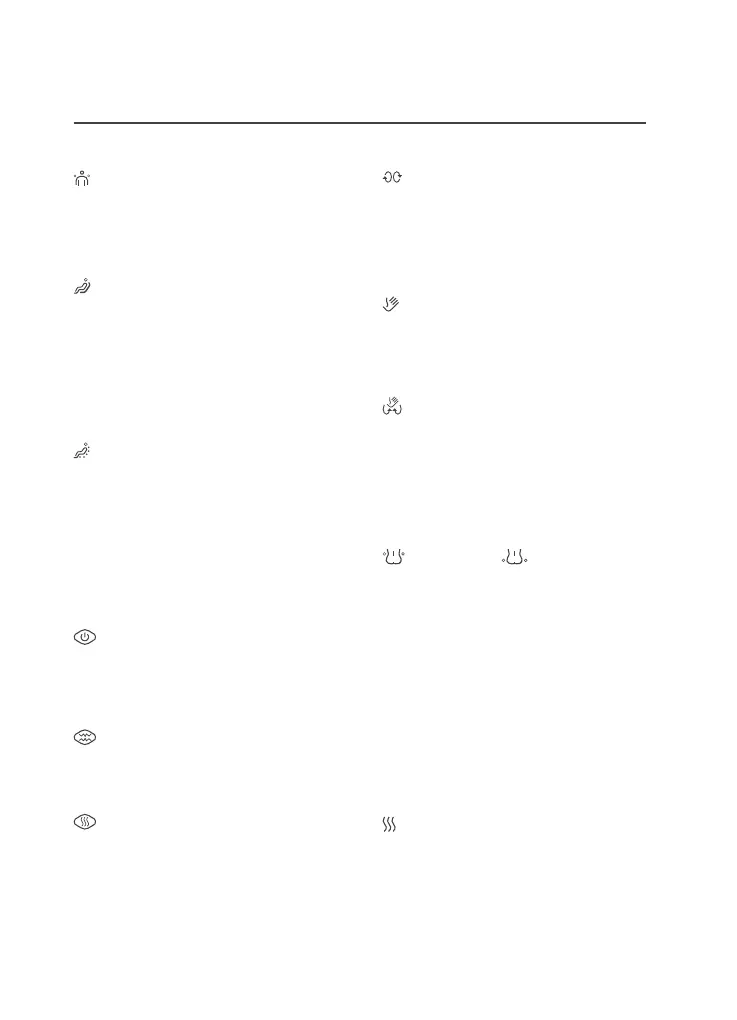
Shoulder
position
adjustment
button
1
click
:
5
cm
higher
2
click
:
5
cm
lower
3
click
:
default
position
Full
body
movement
massage
button
1
click
:
Full
-
body
moving
massage
(
Massage
ball
moves
over
the
entire
body
)
2
click
:
Fixed
massage
(
Massage
ball
moves
in
its
current
position
)
Partial
movement
massage
button
1
click
:
Partial
movement
massage
(
The
massage
ball
moves
within
a
certain
range
)
2
click
:
Fixed
massage
(
Massage
ball
moves
in
its
current
position
)
Abdominal
massage
function
Press
the
power
button
to
go
directly
to
automatic
mode
.
1
click
:
vibration
mode
2
click
:
Soft
vibration
mode
abdominal
power
(
weak
,
strong
)
1
click
:
Fast
2
click
:
slow
abdominal
thermomassage
mode
1
click
:
slow
2
click
:
medium
3
click
:
Fast
Function
setting
Forward
/
backward
rubbing
massage
1
click
:
Normal
direction
rubbing
massage
2
click
:
Reverse
direction
rubbing
massage
3
click
:
Stop
Tapping
massage
button
1
click
:
Tapping
2
click
:
Fast
tapping
(
1
.
5x
)
3
click
:
Stop
Complex
massage
button
1
click
:
Rubbing
+
Tapping
2
click
:
fast
Rubbing
+
fast
tapping
(
1
.
5
times
)(
1
.
5x
)
3
click
:
Stop
Air
massage
button
back
air
massage
pelvis
air
massage
1
click
:
Lightly
1
click
:
Lightly
2
click
:
Strongly
2
click
:
Strongly
3
click
:
Stop
3
click
:
Stop
Bluetooth
function
You
can
use
the
speaker
by
connecting
a
device
with
Bluetooth
functionality
to
the
main
body
(
ID
:
CGMEMCG
-
2101
)
*
If
it
is
paired
to
another
device
,
be
sure
to
disconnect
it
before
connecting
.
3
-
level
thermomassage
mode
Temperature
control
in
3
levels
Level
1
:
slow
Level
2
:
medium
Level
3
:
Fast

Related product manuals