21
SoftwareReference
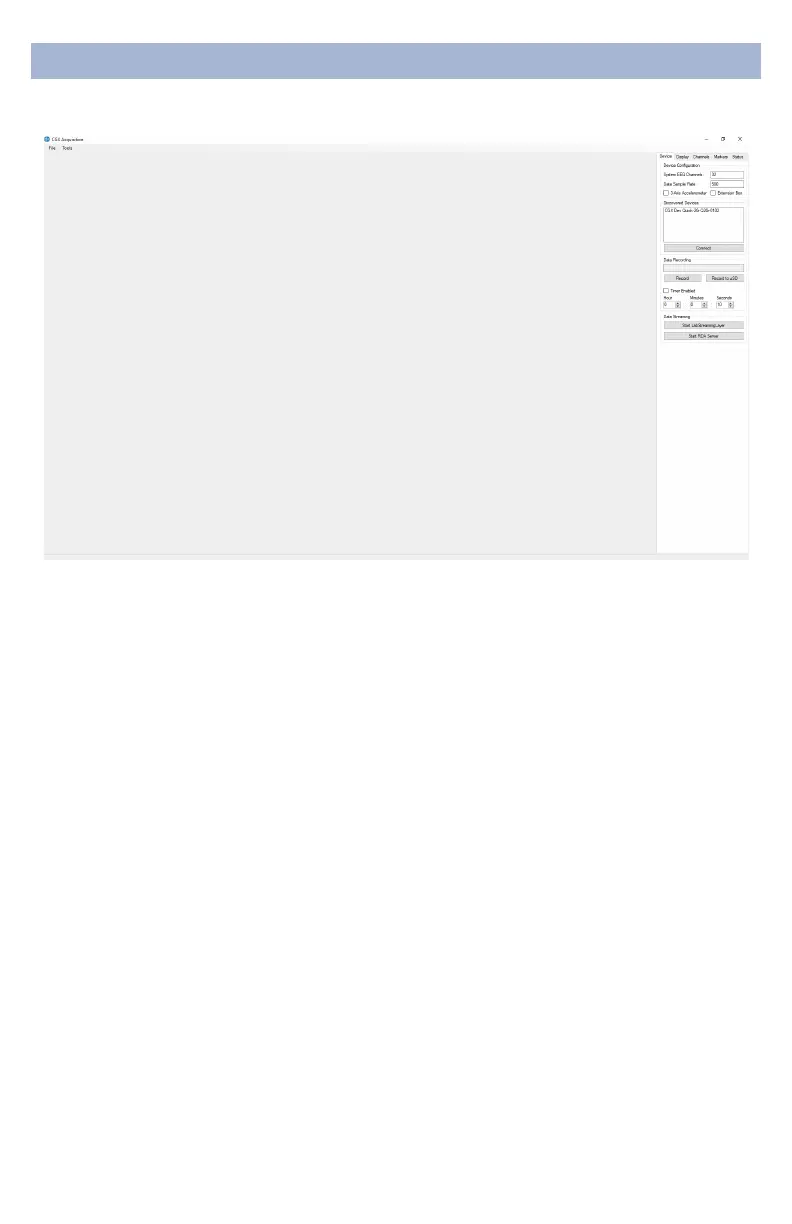
DeviceConfiguration
• DiscoveredDevicesConnected dongles will be listed
here. Select the device name of your system and hit
Connec t.
• The software automatically connects to your device to
retrieve stored settings.
• The DeviceConfigurationwindow is only for your
information; changing the settings will not change the
conguration of the device. If you need to change device
conguration, contact support at CGX.
DataRecording
• Record Click to open a le dialog. Select the desired
location, le name, and le type. (CSV les have a time
stamp built in). Recording begins when you press OK.
• ToStopRecordinghit the button again. Elapsed time is
shown in the box above the button.
• StartLabStreamingLayerHit the Start
LabStreamingLayerbutton.
• StartRDAServer To use the BCI2000 software with the
Data Acquisition Software, click on this button. Then,
connect to the application in BCI2000.
• Timer The timer allows you to limit le recording to a
specic length.
DeviceTab


 To Next Page