22
SoftwareReference
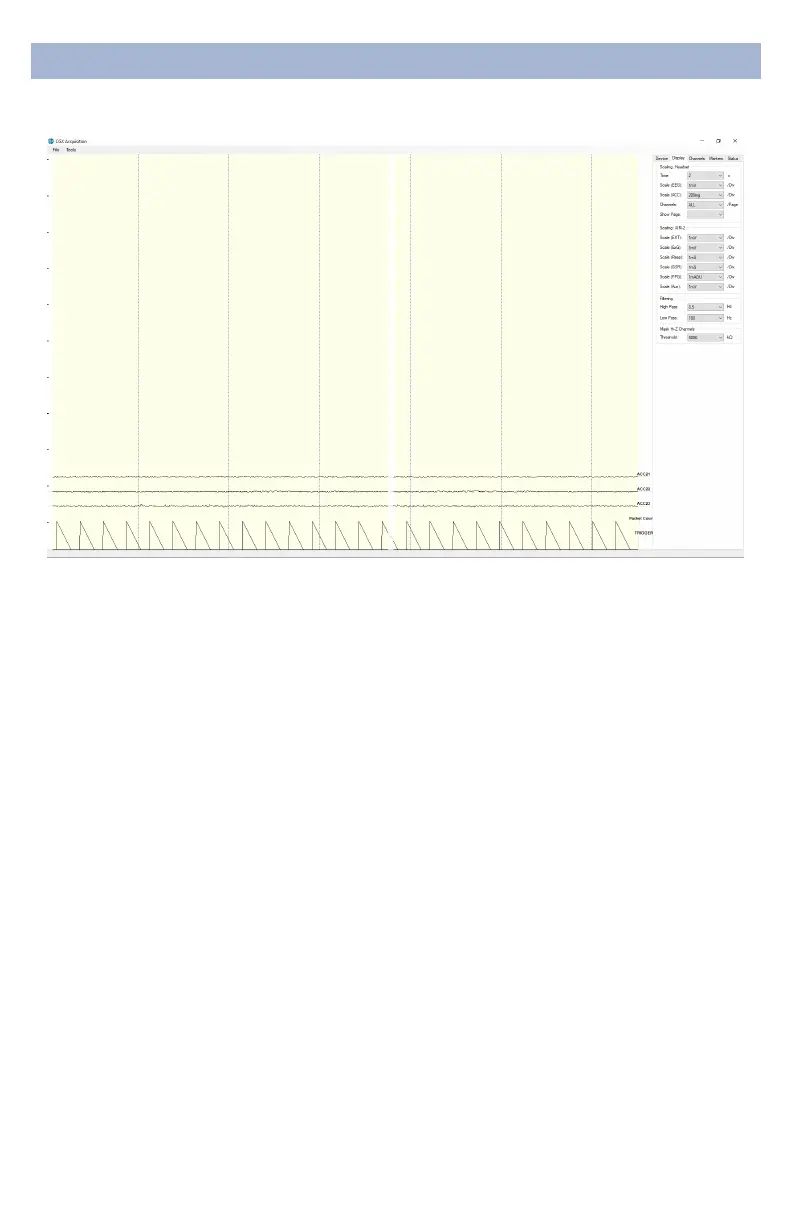
DisplayTab
The display tab controls
scaling and other viewing
parameters for the signals.
Scaling:Headset
• Time sets the x axis time window. By default, it is set to 2
seconds.
• Scale(EEG) sets the y axis vertical gain for the EEG
channels on the head.
• Scale(ACC) sets the y axis vertical gain for the
accelerometer channels.
• Channels sets the maximum number of channels
displayed per screen. To ip through the pages of
channels, use the option below.
• ShowPage switches between dierent pages of
channels.
Scaling:AIM-2(Optional)
Filtering
• HighPass sets the oor (removes osets and slow
signals) corner frequency for the display.
• Lowpass sets a ceiling (removes high frequency signals
and noise) corner frequency for the display.
• Note: ltering is for display only. Data les are saved
raw and unltered to preserve the maximum amount of
information.
MaskHi-ZChannels
Threshold hides channels with sensor impedances above
the specied threshold from the display.


 To Next Page
 Loading...