23
SoftwareReference
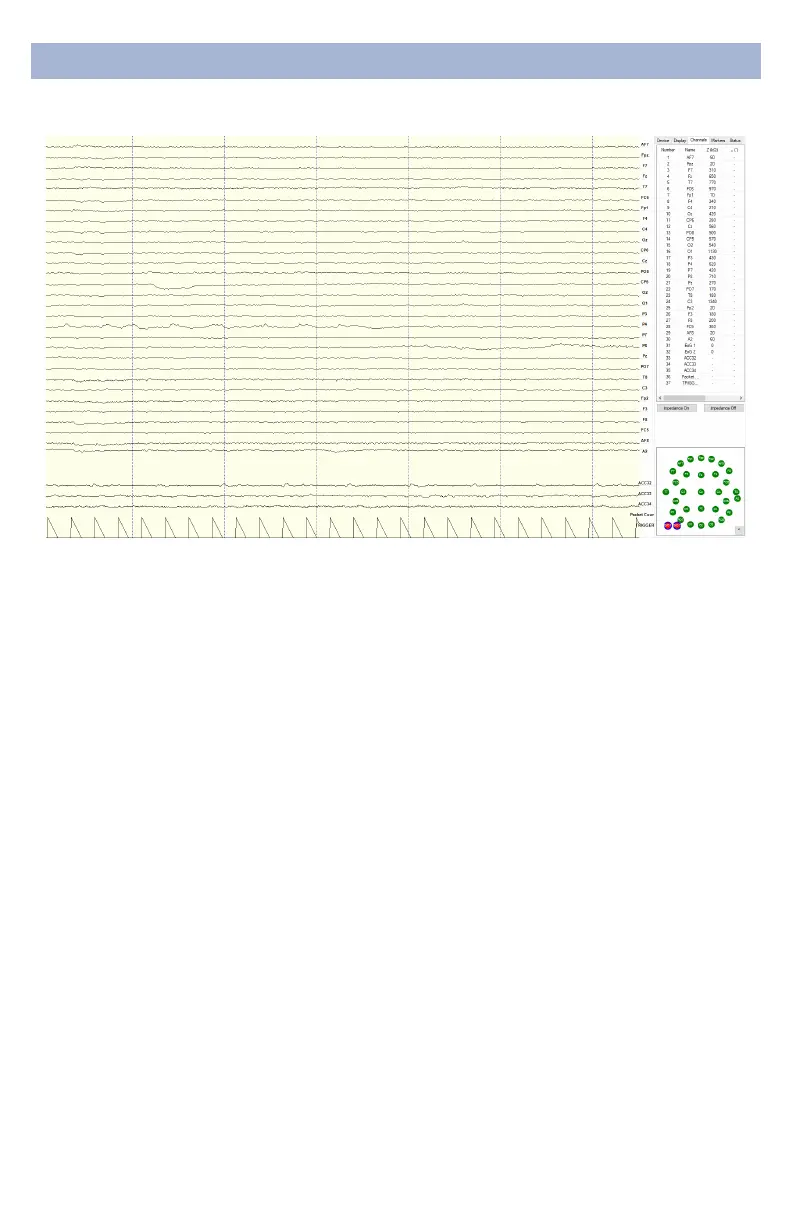
The top half of the Channels
tab contains a table
displaying information about
each channel in the system
including its number, name,
contact impedance (Z (kΩ))
and sensor oset (O (mV)).
The oset is calculated
relative to the reference
channel A1.
ChannelsTab
The bottom half is a graphical map of sensor contact
quality. Red circles indicate poor contact, whereas green
circles indicate acceptable contact. The threshold for this
contact quality is, by default:
Red Above 2,500 kΩ
Green Below 2,500 kΩ
This threshold can be changed with the Mask Hi-Z menu
Threshold for the Quick-20r is set at 2,500 kΩ.


 To Next Page