25
SoftwareReference
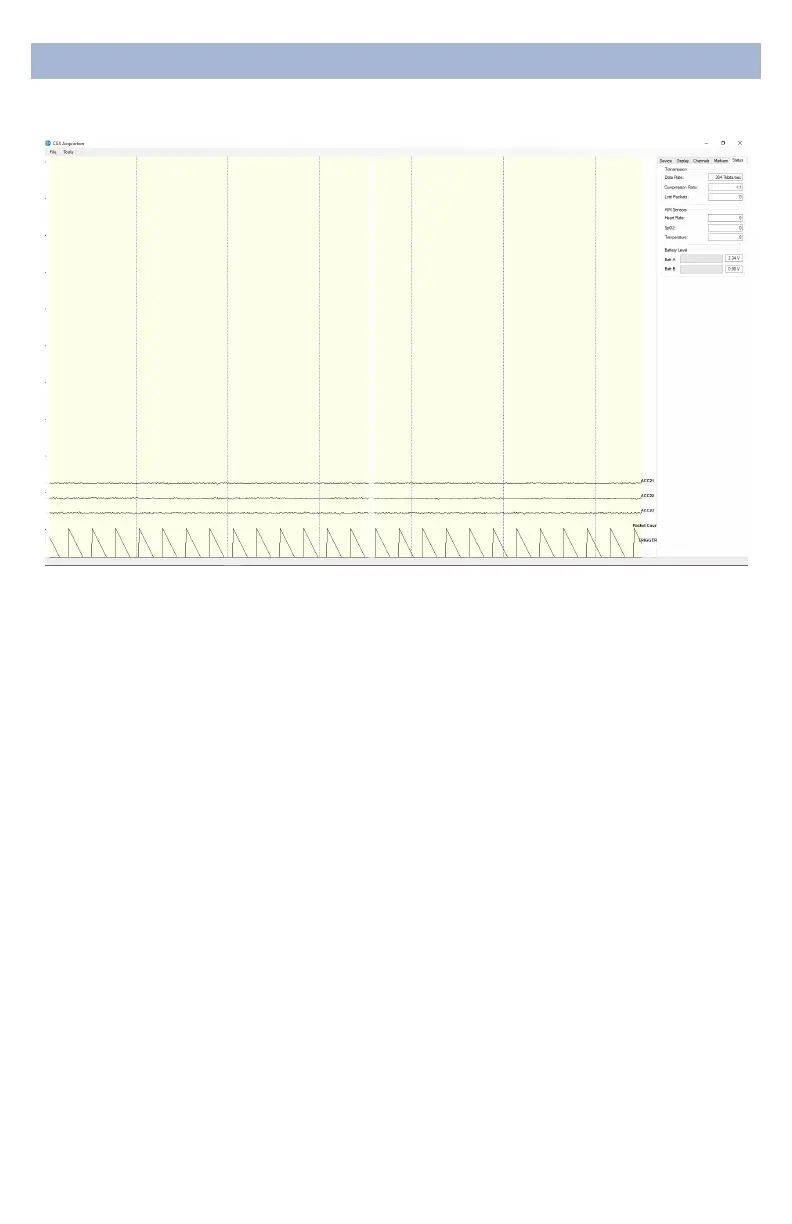
StatusTab
Transmission
• DataRate Allows you to see the bandwidth being used
for the data being sent.
• CompressionRatio Shows you the ratio at which data is
being compressed and sent to the computer.
• LostPacketsShows the amount of information dropped
in communications between the headset and the
computer, increasing as the headset moves away from
the computer.
• AIMSensors (not applicable)
• BatteryLevel Battery status is displayed at the bottom of
this tab. The Quick-20r only uses Batt: A.


 To Next Page