User's Manual
26
3-7 PC Health Status
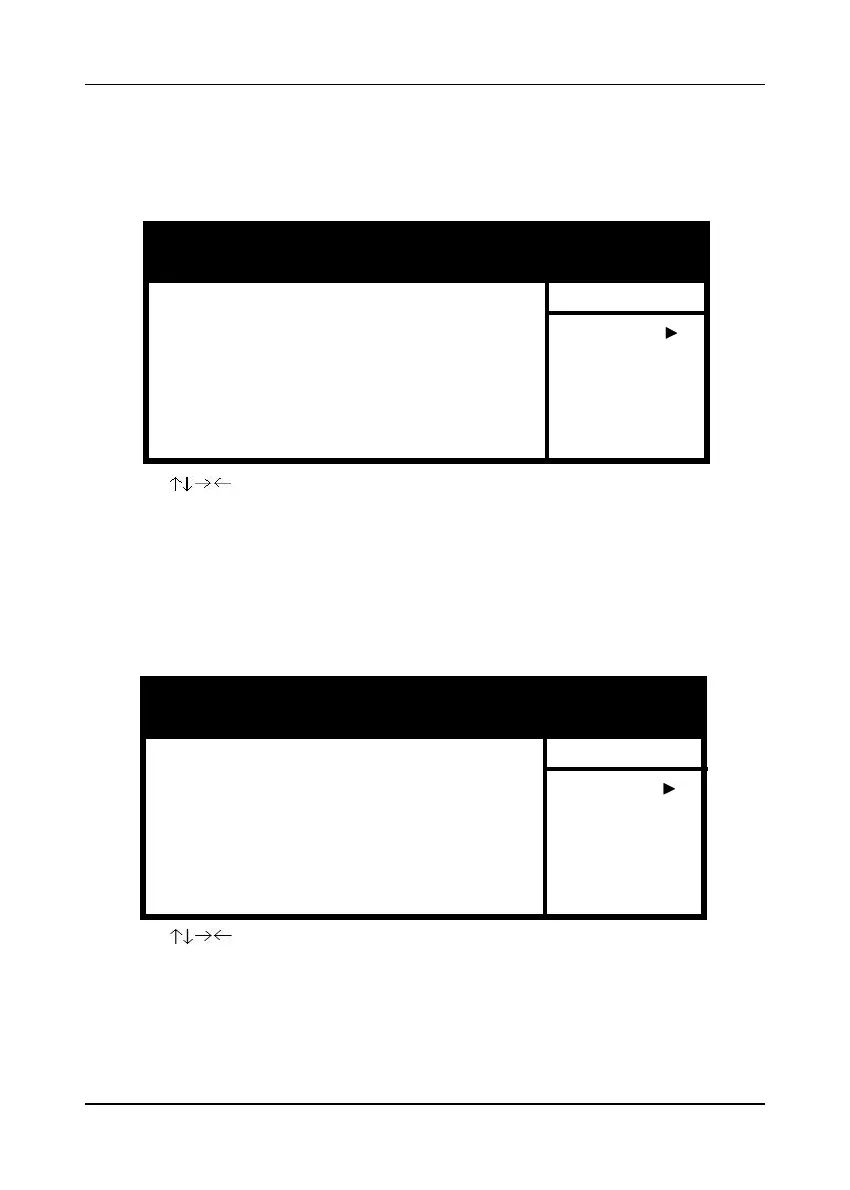
By choosing the PC Health Statusoption from the CMOS Setup Utility menu (Figure
3-1), the screen below is displayed. This field shows you the current system temperature/
external voltages input and the current CPU FAN and System FAN operating speed.
3-8 Frequency/Voltage Control
By choosing the Frequency/Voltage Control option from the CMOS Setup Utility
menu (Figure 3-1), the screen below is displayed. This sample screen contains the
manufacturer's default values for the mainboard.
A. Spread Spectrum
When Enabled this function will cause lower EMI by spreading the system
frequency spectrum. For normal operation, disable this function.
Figure 3-8 PC Health Status ScreenFigure 3-8 PC Health Status Screen
Figure 3-8 PC Health Status ScreenFigure 3-8 PC Health Status Screen
Figure 3-8 PC Health Status Screen
CMOS Setup Utility- Copyright (C) 1984-2001 Award Software
PC Health Status
: Move Enter:Select +/-/PU/PD:Value F10:Save ESC:Exit F1:General Help
F5:Previous Values F6:Fail-Safe Defaults F7:Optimized Defaults
Item Help
Menu Level
CMOS Setup Utility- Copyright (C) 1984-2001 Award Software
Frequency/Voltage Control
: Move Enter:Select +/-/PU/PD:Value F10:Save ESC:Exit F1:General Help
F5:Previous Values F6:Fail-Safe Defaults F7:Optimized Defaults
Item Help
Menu Level
Figure 3-9 Frequency/Voltage Control ScreenFigure 3-9 Frequency/Voltage Control Screen
Figure 3-9 Frequency/Voltage Control ScreenFigure 3-9 Frequency/Voltage Control Screen
Figure 3-9 Frequency/Voltage Control Screen
Shutdown Temperature
CPU VCore
3.3VSB
+3.3V
+5.0V
+12V
-12V
+2.5V
5VSB
Voltage Battery
CPU Temperature
CPU FAN Speed
SYS FAN Speed
Disabled
1.73V
3.03V
3.32V
5.05V
12.16V
-11.92V
2.48V
5.02V
2.91V
46
o
C
4590 RPM
4500 RPM
CPU Vcore Select
Spread Spectrum
CPU Clock
Default
+/-0.5%
100



 To Next Page