Chapter 4
DRIVER Setup
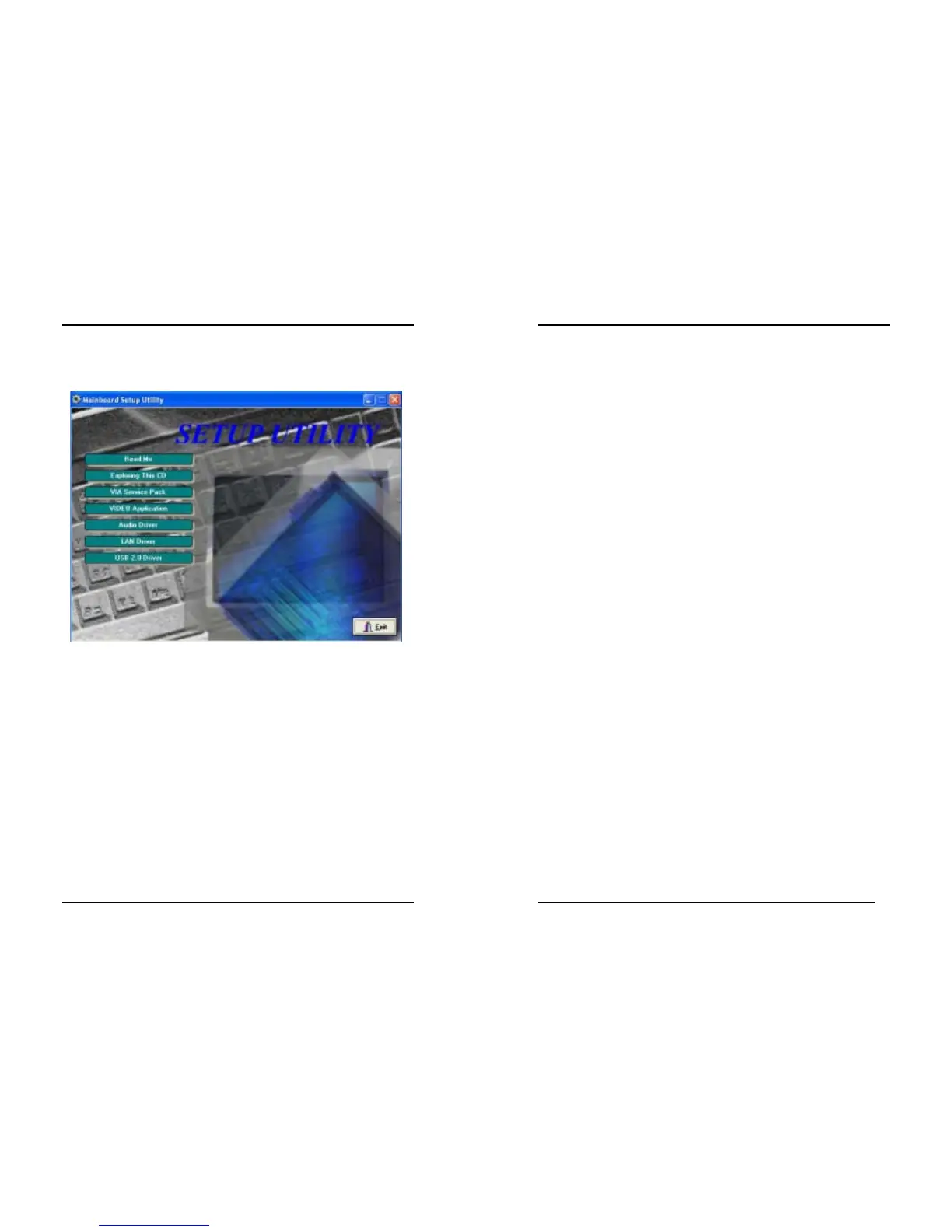
Insert the support CD that come with your motherboard into your CD-ROM driver or
double-click the CD drive icon in [My
computer
] to open the setup screen.
4-1 VIA Service Pack Setup
1. Click [
VIA Service Pack
]
2. Click [Next >] to start software installation.
3. Please select [
Yes
] to accept the license agreement.
4. Please select [Next >] to continue.
5. Please select [Next >] to continue.
6. Please select [Next >] to continue installing VIA PCI IDE Bus Driver.
7. Please select [Next >] to continue installing AGP Driver.
8. Please select [OK] to restart your computer.
4-2 Video Application
1. Click [VIA Service Pack]
2. Click [Next >] to start software installation.
3. Please select [Next >] to continue.
4. Please select [Finish] to complete setup.
4-3 Audio Driver Setup
1. Click [Audio Driver]
2. Click [Next >] to start software installation
3. Please select [Next >] to continue.
4. Please select [
Finish
] to complete setup.
Chapter 4
4-4 LAN Driver Setup
1. Click [LAN Driver]
2. Please select [OK] to complete setup.
4-5 USB 2.0 Driver
1. Click [USB 2.0 Driver]
2. Click [Next >] to start software installation.
3. Please select [Next >] to continue.
4. Please select [Yes] to accept the license agreement.
5. Please select [OK] to continue.
6. Please select [Print to File] to continue.
7. Please select [OK] to continue.
8. Please select [Finish] to complete setup.



 To Next Page