Observe and note the run time that a new fully-charged battery provides for powering your
product. Use the new battery run time as a basis to compare run times for older batteries.
The run time of your battery will vary depending on the product’s configuration and the
applications that you run.
Routinely check the battery’s charge status.
Carefully monitor batteries that are approaching the end of their estimated life.
Consider replacing the battery with a new one if you note either of the following conditions:
The battery run time drops below about 80% of the original run time.
The battery charge time increases significantly.
If a battery is stored or otherwise unused for an extended period, be sure to follow the
storage instructions in this document. If you do not follow the instructions, and the battery
has no charge remaining when you check it, consider it to be damaged. Do not attempt to
recharge it or to use it. Replace it with a new battery.
Always follow the charging instructions provided with your product. Refer to your product’s
user manual and/or online help for detailed information about charging its battery.
Charge or discharge the battery to approximately 50% of capacity before storage.
Charge the battery to approximately 50% of capacity at least once every six months.
Remove the battery and store it separately from the product.
Store the battery at temperatures between 5 °C and 20 °C (41 °F and 68 °F).
Chapter 2 Installation Guide
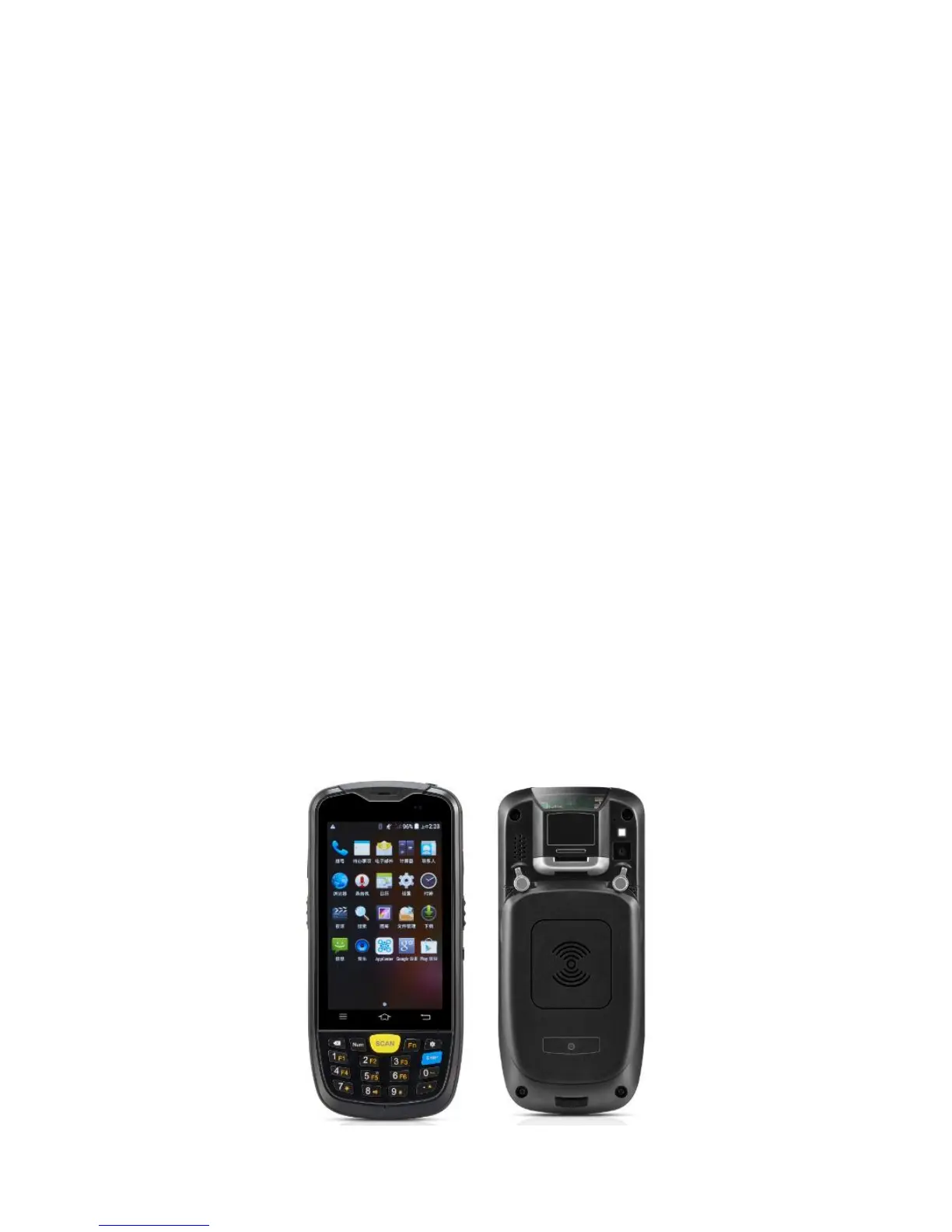
2.1 Appearance
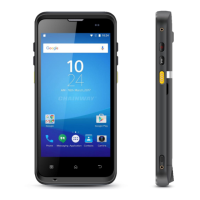
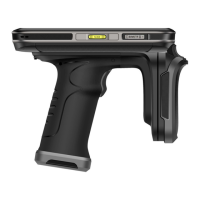
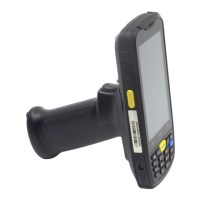
The C6000 device has black and white appearance optional


 To Next Page