2.4 Battery Charging
Use the adapter to charge the battery via the USB connector of the snap-on;. Don't use other
brands of charger for device
2.5 Device Turning on/off
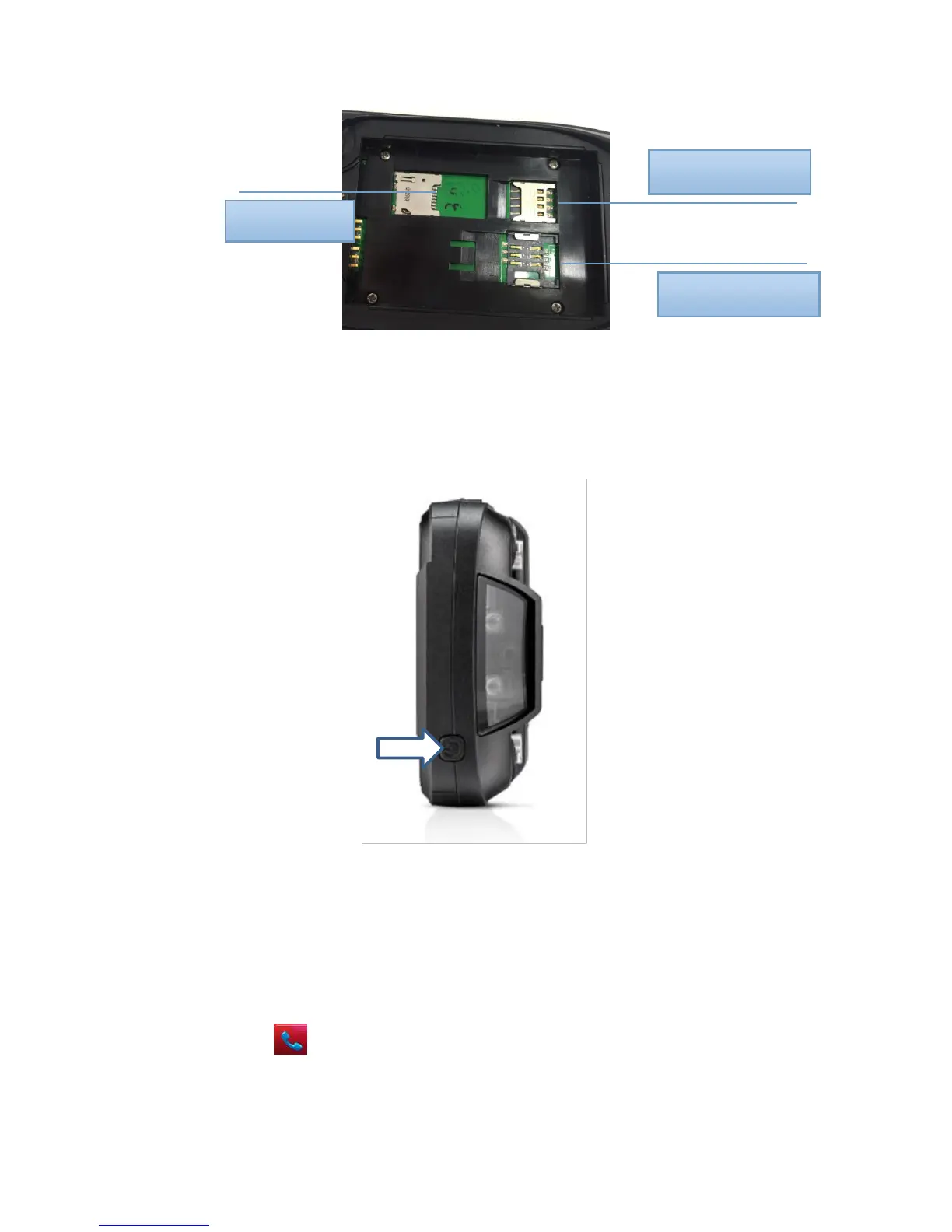
Press the ‘Power’ button on the top about 3s due to turn on/off. And press it shortly to wake up.
Chapter 3 Call Function
3.1 Phone
Click this icon :
Click the number button to input the numbers;



 To Next Page