11
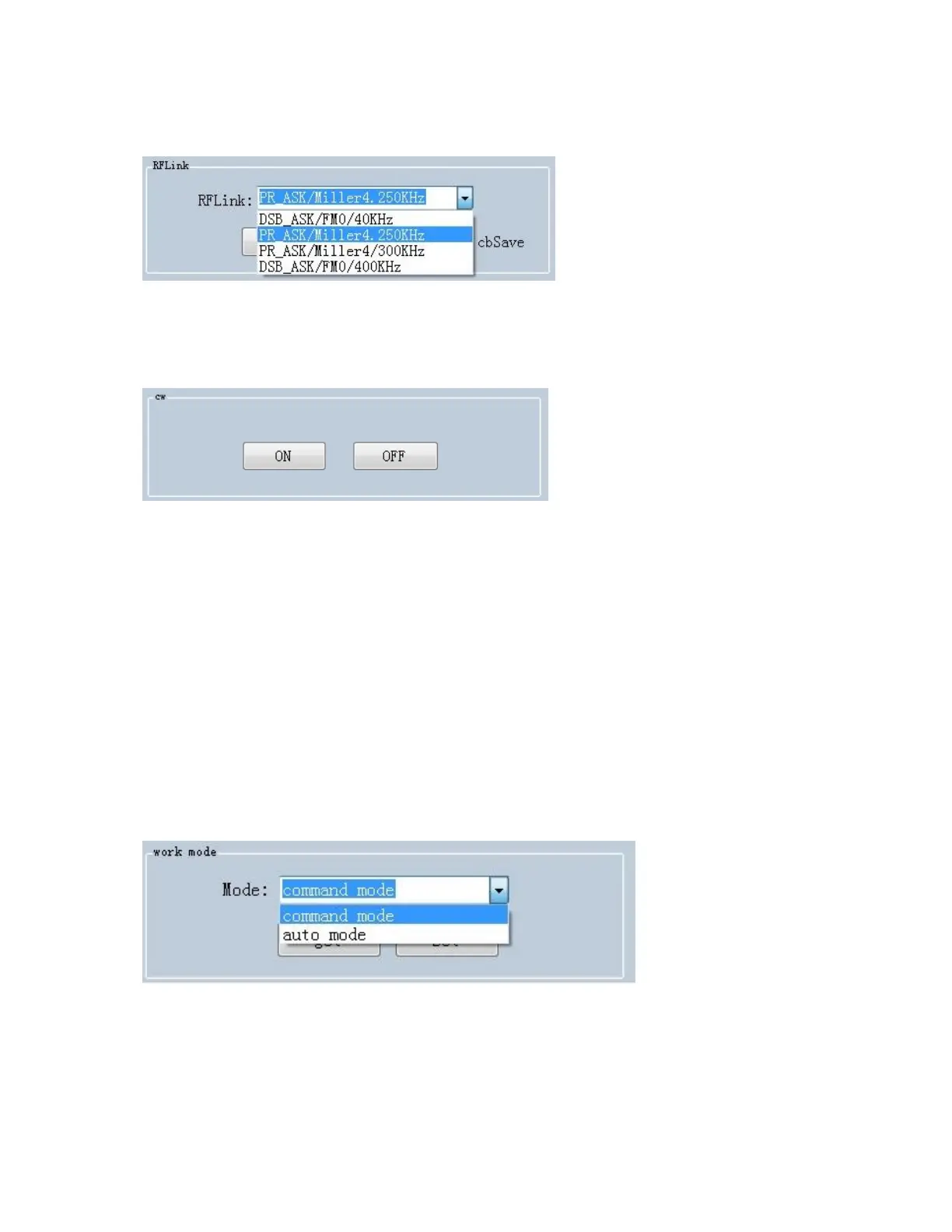
Set RFLink:
Set continuous wave:
There are two work modes can be selected, “command mode” and
“auto mode”.
Under “command mode”, user could collect tag data in “Read EPC”
page, click “Start” to send command to device on PC, click “Stop” to
stop collecting tag data.
Under “auto mode”, user could collect tag data in “UDP-ReceiveEPC”
page, click “Start” to receive data, click “Stop” to stop receiving data.
After selecting “auto mode”, the device needs to be restarted.



 To Next Page