21
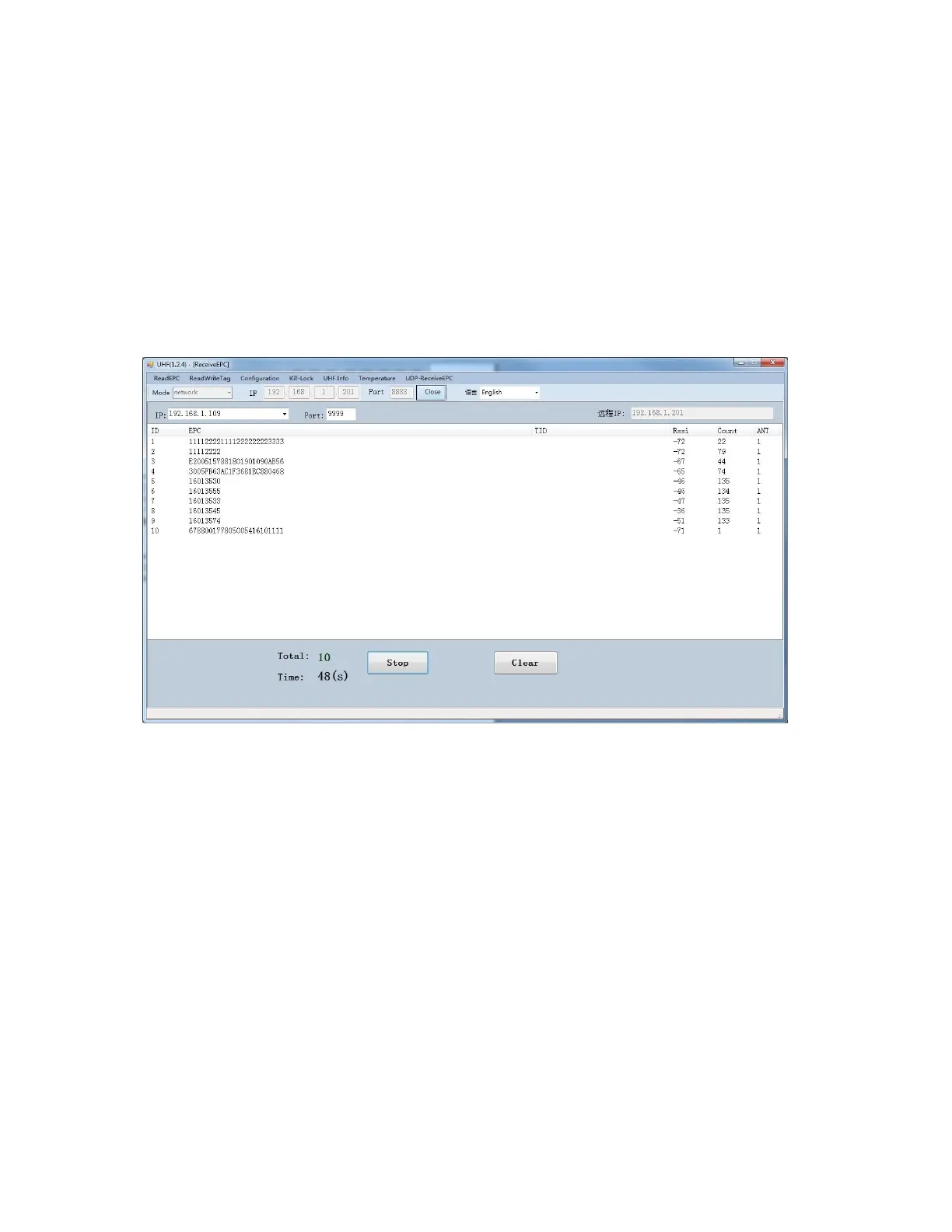
3.4 UDP-ReceiveEPC
After auto mode has been selected, restart device and select UDP-
ReceiveEPC, click “Open” to connect device and select IP address of
PC in address column, click “Stop” to stop receiving UHF tag data.
If user needs to escape auto work mode, “command mode” needs to
be selected in work mode.



 To Next Page