20
3.3 Lock UHF Tag
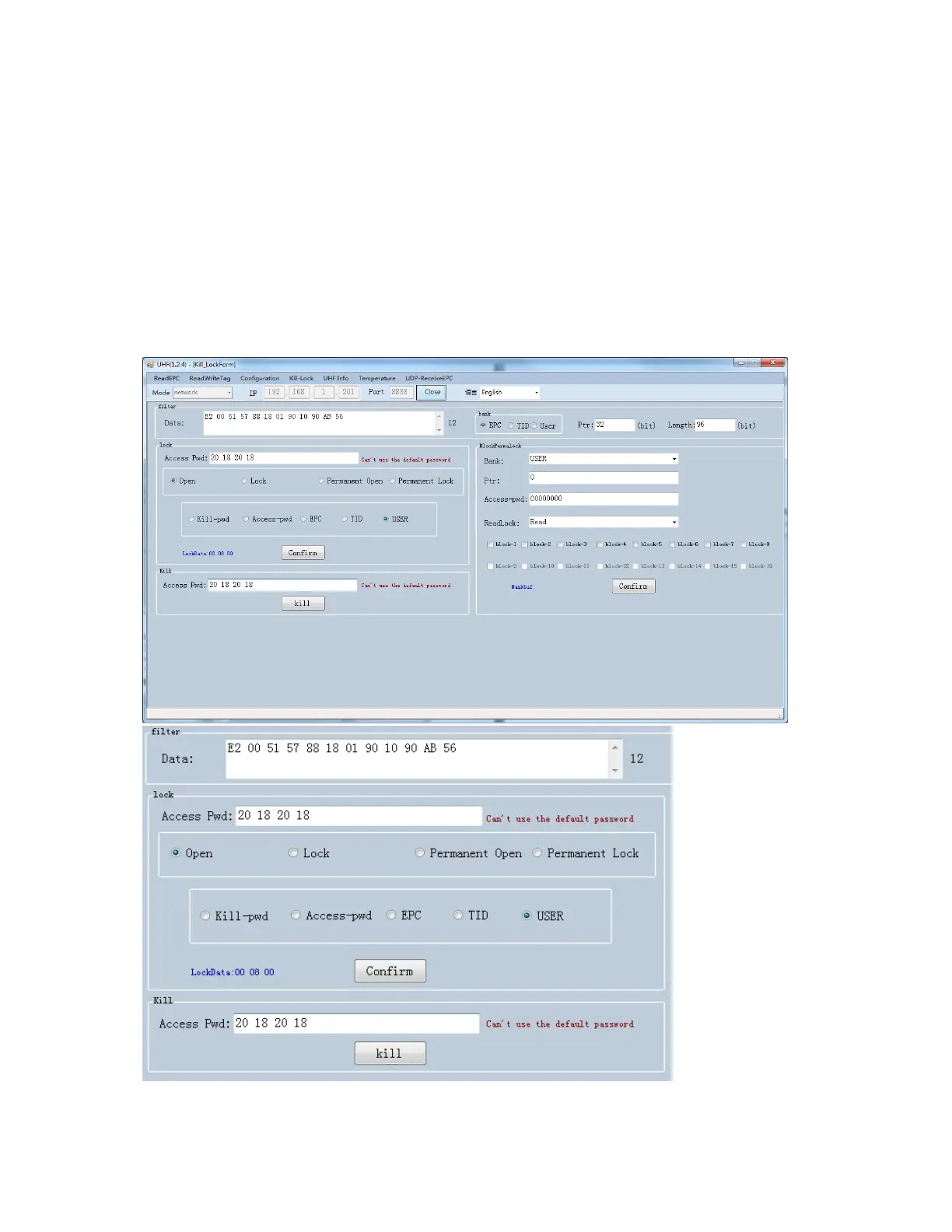
Click “Kill-Lock” in main menu to enter Tag locking function. For this
function, user could execute “Lock”, “Kill”, “Open”, “Permanent Open”
and “Permanent Lock”, to execute “Lock” function, password is
needed. If user wants to kill UHF tag, need to enter password and tag
will be wasted permanently.


 To Next Page
 Loading...