20
After Sales Support 0343 515 1906
Assembly
Step 4 - Fitting/Removing the Battery
9
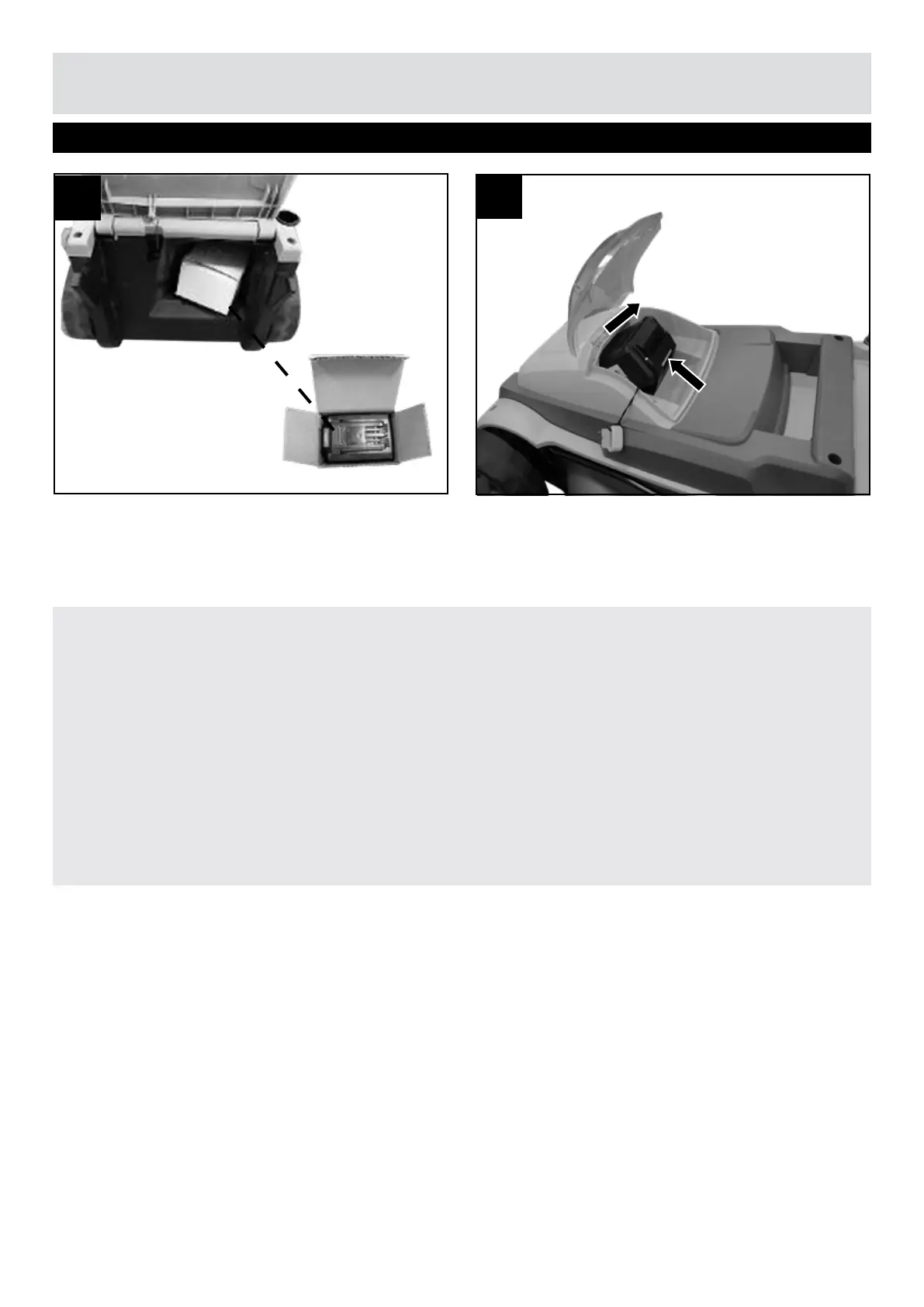
NOTE! The battery is stored under the safety flap during delivery. Take out the battery before fitting it
(Fig. 8).
Fitting the battery
Lift the battery compartment cover and slide the battery into the battery chamber. Ensure it slides
smoothly along the support rails and locks into position. Close the battery cover.
Removing the battery
Stop the machine. Pull out the isolator key. Lift the battery compartment cover, activate the release
button on the battery and slide the battery out. Close the battery cover (Fig. 9).
8


 To Next Page