Copyright © 2012 Alarm.com | www.alarm.com | v5.0
LiftMaster MyQ | Installation Guide
LiftMaster MyQ Wall Control &
Internet Gateway
INSTALLATION GUIDE
Required Items for Installations
Garage Door Compatibility
LiftMaster
compatible
brands made
after 1998
LiftMaster, Chamberlain, Sears/Craftsman,
Raynor and Access opener.
ALL with a purple learn button with purple
antenna wire.
MOST with an orange/red learn button
with gray antenna wire. The following
models are incompatible:
- Models 2500 & 2500C (2500B and
2500BC are compatible)
- 1000SDR
- 2000SDR
*See full list of compatible garage door
openers at the end of this guide.
1)
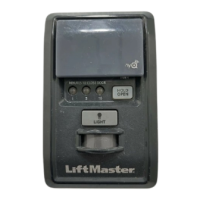
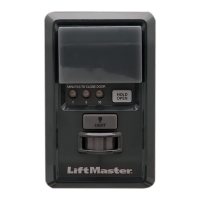
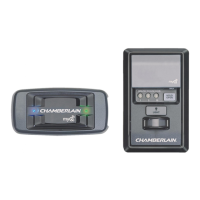
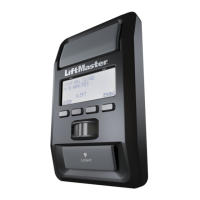
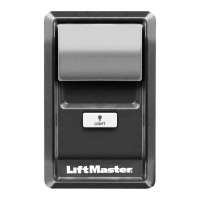
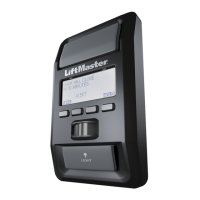
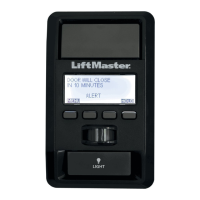
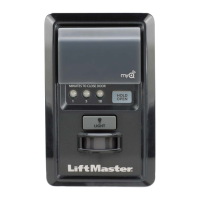
MyQ Control Panel (888LM)
2)
MyQ Internet Gateway (828LM)
3)
Compatible Door Opener
Install MyQ Control Panel (888LM)
MyQ Control Panel (888LM)
1)
Disconnect all electrical power to the garage door opener.
2)
Remove the existing door control from the wall. Note the
polarity of the wires connected to the existing door control.
Label the wires appropriately (Red/White).
3)
Disconnect the wires from the existing door control.
4)
Connect the wires to the new MyQ Control Panel.
5)
Mount the MyQ Control Panel to the wall.
6)
Reconnect power. The yellow command LED (in the center of
the MyQ Control Panel) and the red learn LED (above the learn
button) will blink quickly for up to 5 minutes as the MyQ
Control Panel recharges. When the MyQ Control Panel is
operational, the yellow command LED will glow steadily.
7)
Test the MyQ Control Panel. Press the push bar to activate the
garage door opener.
8)
Connect to LiftMaster Internet Gateway (See instructions
below).
Connect LiftMaster Internet Gateway
1)
Connect ethernet cable to router and the internet gateway.
2)
Connect power to the internet gateway.
3) When the internet gateway connects to the internet, the
green light will stop blinking and will light solid. If the green
light does not light solid, check the power, router, and
internet connections to the internet gateway.
4)
Write down the serial number on the gateway to be used in
the registration process

 Need help?
 General

 To Next Page
