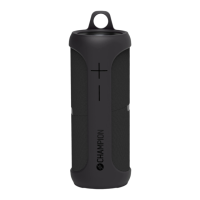
Packing List
1. Speaker Unit
2. User Manual
3. 3.5mm Audio Cable
4. Adapter 15V/1.2A (AWF330 - 18V/2A)
5. Spotify Connect Startguide
Operations Guide
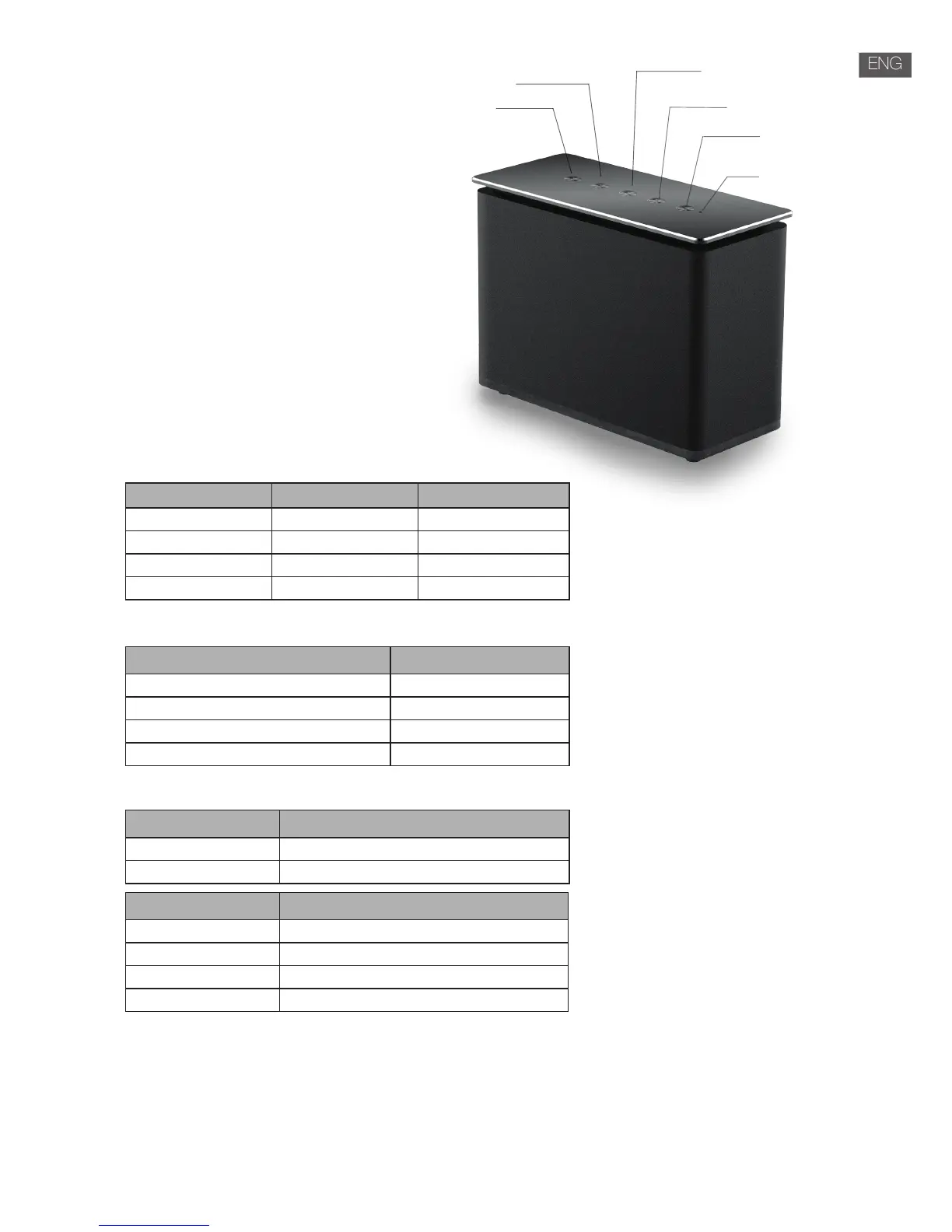
This product has 5 keys:
• Power on/o
• Play/Pause
• Wi-Fi
• Vol+/Next
• Vol-/Previous
The function of keys:
1. Power on/o: long press for power on/o.
2. Vol+/Next and Vol-/Previous:
3. Play/Pause:
4. Wi-Fi button:
Wi-Fi speaker web settings
1. When you turn on the speaker, WiFi will automatically start.
2. After PC or smart phone connects the product through Wi-Fi (The default SSID is AWF***_XXXX, XXXX is a random
number), Customer access the site: http://10.10.10.254 and enter the setting page. There are two tabs:
Wi-Fi and Setting.
3. Wi-Fi tab: To setup the connection between Wi-Fi speaker and APP. Customer use a PC/MAC or smart phone to
access internet through Wi-Fi speaker after connected.
Wi-Fi
Vol-/Previous
Vol+/Next
Play/Pause
Power on/o
Indicator
State Long/Short Press Double Click
Wi-Fi mode Vol+,Vol- Next / Previous
Line-in mode Vol+,Vol- NA
Bluetooth mode Vol+,Vol- Next / Previous
USB Charging mode / /
State Short Press
Wi-Fi mode & Music Playing Play / Pause
Bluetooth mode & Music Playing Play / Pause
Line-in mode & Music Playing Mute
USB Charging mode /
State Long Press
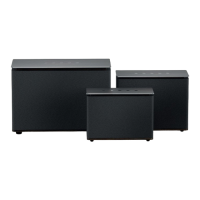
Wi-Fi mode Connect the slave speaker to main speaker
Bluetooth mode Disconnect Bluetooth
State Short Press
Wi-Fi mode Switch to Bluetooth mode
Bluetooth mode Switch to Line-in mode
Line-in mode Switch to USB charging mode
USB Charging mode Switch to Wi-Fi mode


 To Next Page