EasyManua.ls Logo

Champion AWF310 - User Manual

Champion AWF310
26 pages
Print Icon
To Next Page IconTo Next Page
Loading...
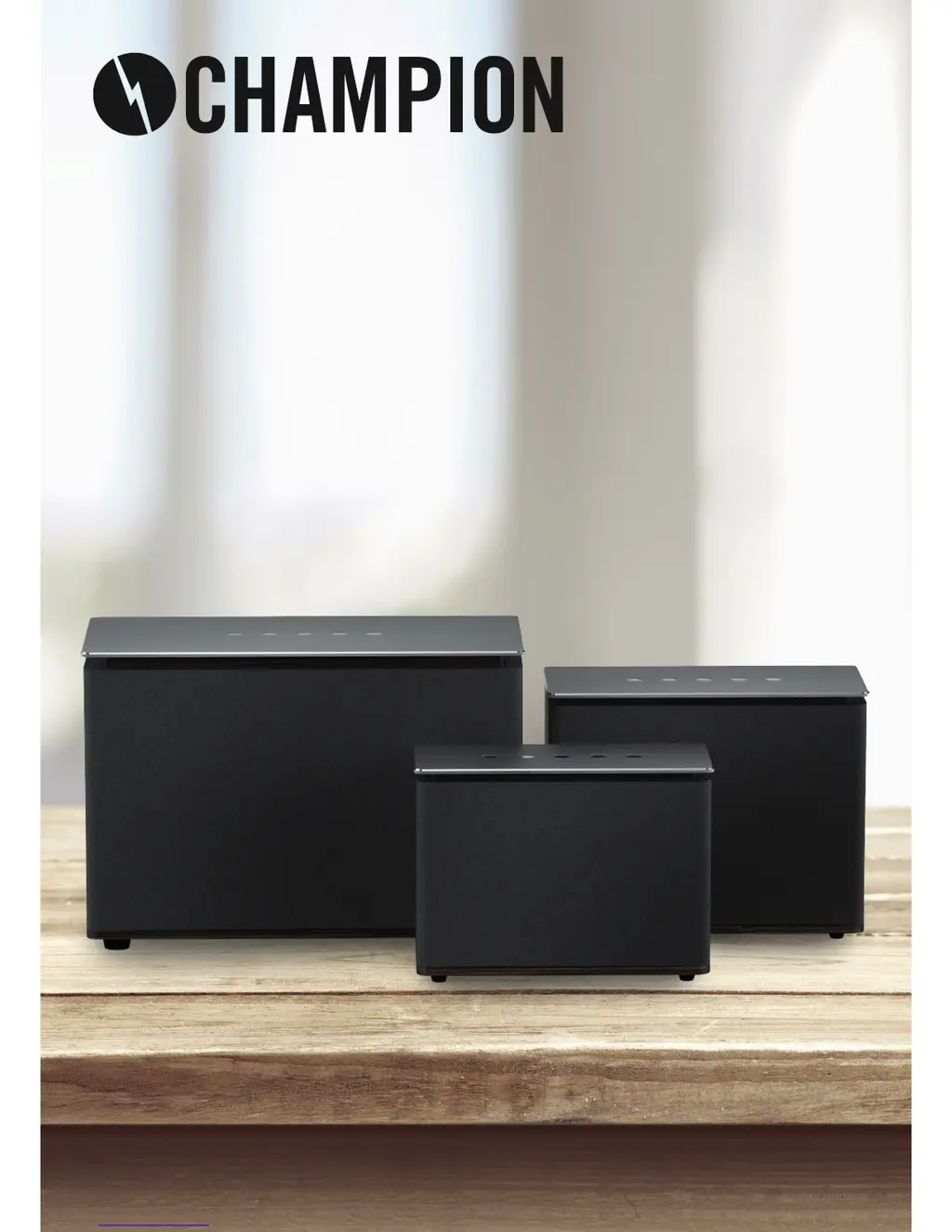
USER MANUAL
WIFI-SPEAKER
AWF310, AWF320 & AWF330
ENG
SE
DK
NO
FI
This manual contains important notes and instructions for use. Before using the product,
please read the manual carefully. Please keep the manual after reading for future use.

Questions and Answers

  • J
    Jill CruzAug 1, 2025
    How to fix Champion Speakers when there is no sound?
    • A
      Amanda ClaytonAug 1, 2025
      If your Champion speaker isn't producing any sound, try the following: * Ensure the device is adequately charged before attempting to use it. * Increase the volume to a suitable level. * Re-select the appropriate audio input channel. * Verify that all cables are securely and correctly connected.
  • S
    stephanie34Aug 6, 2025
    What to do if Champion Speakers have no power or are not charging?
    • B
      Brian RodriguezAug 6, 2025
      If your Champion speakers have no power or are not charging, ensure that the adapter and the host are correctly connected. Also, check the power adapter voltage and current demand.
  • E
    Erica ChambersAug 11, 2025
    Why is my Champion Speaker murmuring?
    • W
      William DurhamAug 11, 2025
      If your Champion speaker is murmuring, ensure the adapter and the host are connected correctly. Check the power adapter's voltage and current demand. Also, ensure that the equipment connected to the audio cable output itself isn't murmuring.
  • F
    Frederick HudsonAug 16, 2025
    How to fix Champion AWF310 keys when they have no function?
    • H
      hansenkristiAug 16, 2025
      If your Champion speakers' keys have no function, plug in the adapter and turn the power on. If that doesn't work, use a toothpick or needle to press the reset hole, then turn the power on.
  • T
    tracycampbellAug 21, 2025
    What to do if Champion AWF310 Wi-Fi mode has no sound?
    • S
      Sherry JohnsonAug 21, 2025
      If you have no sound in Wi-Fi mode on your Champion speaker, check whether the PC or smartphone and the speaker are on the same LAN. Also, verify that the speaker is indeed in Wi-Fi mode. If you're using the app, confirm that the music is being sent to the speaker.
  • R
    Roy CruzAug 27, 2025
    Why is there no sound in Line-in mode on my Champion AWF310 Speakers?
    • V
      Virginia DeckerAug 27, 2025
      If there is no sound in line-in mode for your Champion speakers, check that the audio cable is properly connected.

Summary

Important Information

Operations Guide

Key Functions Overview

Overview of product buttons and their functions for volume, playback, and Wi-Fi.

Wi-Fi Speaker Web Settings

Instructions for accessing and configuring the speaker via a web browser interface.

Music Playing Modes

Wi-Fi Mode Music Playback

How to play music using Wi-Fi mode and the companion app.

Bluetooth Mode Music Playback

Instructions for pairing and playing music via Bluetooth.

Line-in Mode Music Playback

How to connect and play audio via the 3.5mm audio cable.

USB Charging Mode

Information on using the speaker to charge other electronic devices.

Firmware and Updates

Online Firmware Update

Step-by-step guide to updating the speaker's firmware online.

AP Update

Instructions for updating firmware via the AP interface.

Product Care and Troubleshooting

How to Clean the Product

Guidelines for safely cleaning the speaker unit.

Troubleshooting Methods

Common problems and their solutions for speaker functionality.

Compliance and Disposal

CE, RoHS, REACH & WEEE Compliance

Information regarding product compliance with environmental and safety standards.

Champion AWF310 Specifications

General IconGeneral
BrandChampion
ModelAWF310
CategorySpeakers
LanguageEnglish