7. Configuring through a web browser
Champion PRO GNSS Receiver User Guide Page 18
when you press the green check mark to save the new broadcaster account.
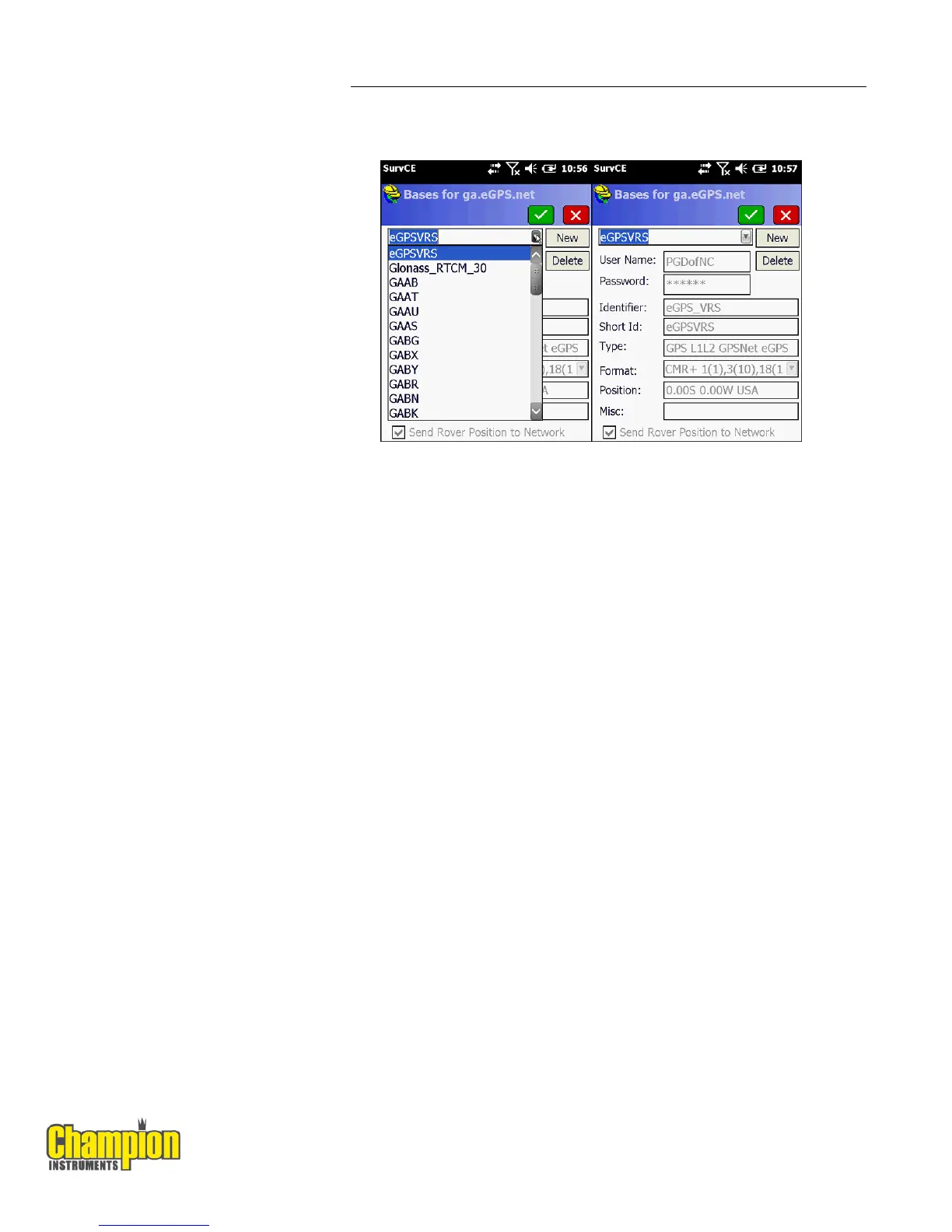
9. After selecting the base or virtual base (eGPSVRS) in this case the
information about the base will be filled in and you can press the green
check mark to return to the RTK tab. Pressing the green check mark from
the RTK tab will activate the connection and you should be on your way to a
FIXED position!



 To Next Page