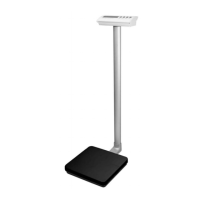
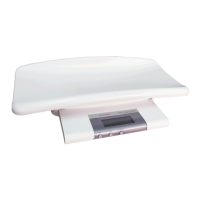
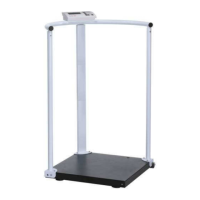
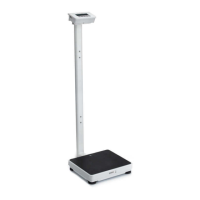
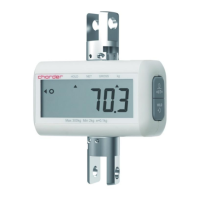
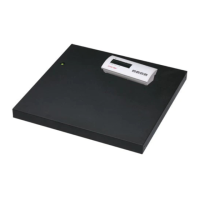
P520 Series
3 IN-00023[REV001] 201709
Selecting the Location
Select a firm, vibration-free and horizontal location for the scale. Avoid locations with direct sunlight, excessive air
current, heat sources, or rapid temperature fluctuations.
Power
Connect the AC Adaptor to the AC mains supply. Connect the plug to the AC jack on the bottom of the scale as shown
in the illustration below. The power outlet should be close to the scale and easily accessible.
Battery Power
The scale will automatically switch to battery operation if there is a power failure or the power cord is removed to
provide uninterrupted scale operation.
Note: When low battery is displayed, the scale will shut off after 30 seconds.
CAUTION:
Risk of explosion can occur if replaced with the wrong type or connected improperly.
Do not use the battery for any purpose other than those described in this manual.
Do not disassemble, repair or otherwise manipulate the battery pack.
Obey the local laws and regulations on disposing the battery.
OPERATION
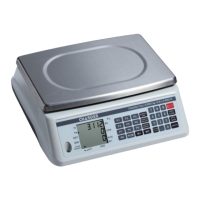
Keypad and Display Description
Status Indicators


 To Next Page