Turning Scale On/Off
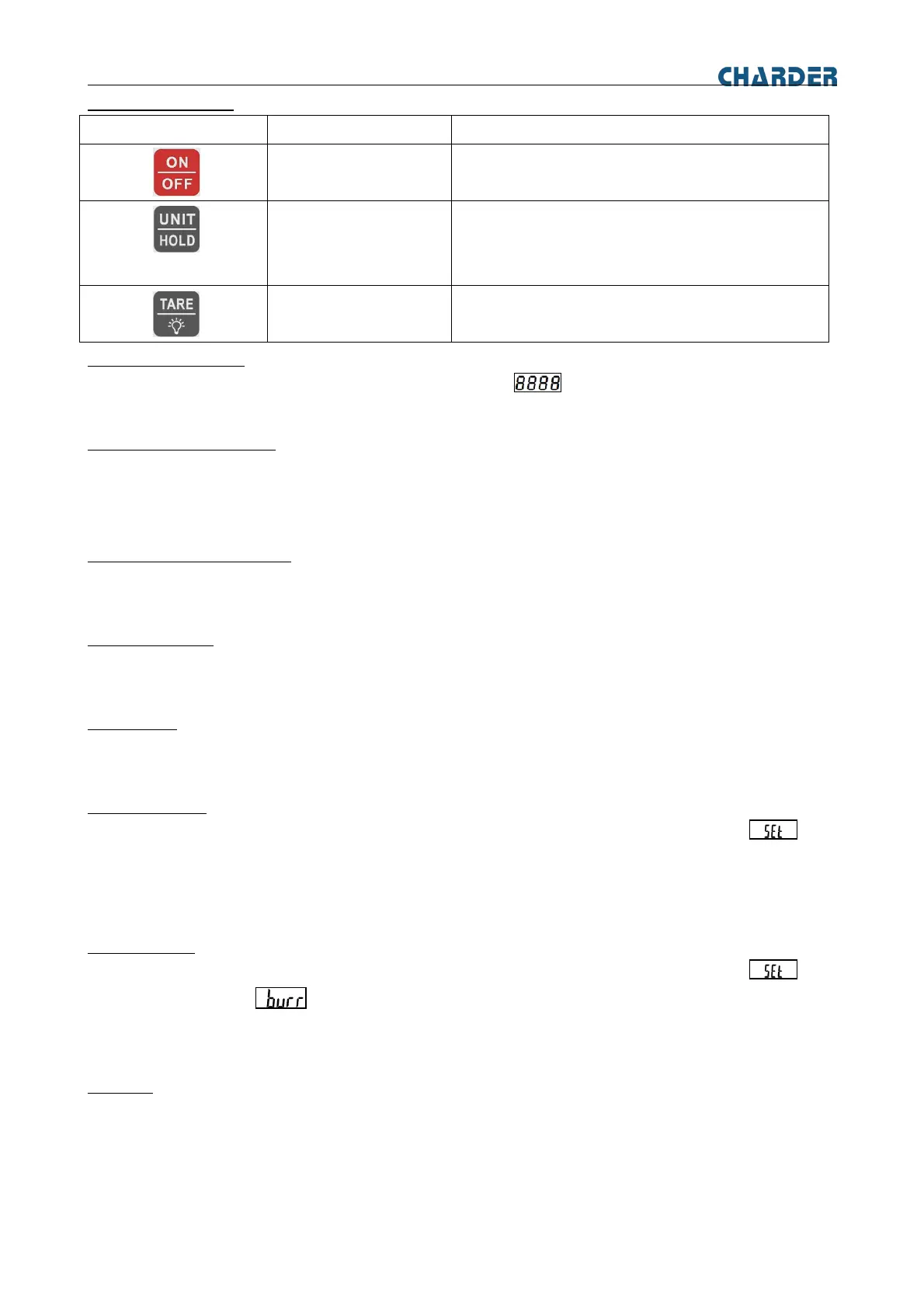
To turn the scale on, press the [ON/OFF] button. Scale will display and then enters the active weighing mode.
To turn the scale off, press the [ON/OFF] button.
Zero Operation & Setting
When power on the scale and if the weight on the scale is within the initial zero tolerance, the scale will display zero
automatically.
Although there is nothing on the pan and the display is not zero, press [TARE] button to set zero to the scale.
Changing Units of Measure
In weighing mode, use [UNIT] to display the next available measuring unit. Repeat process to scroll through all units.
SETTINGS
Backlight Setting
Press [TARE] and hold for 5 seconds to turn ON the backlight manually.
Press [TARE] and hold for 5 seconds to turn OFF the backlight manually.
Tare Setting
Place an empty container on the scale and press [TARE]. The display will show a net value of “0”.
To clear the Tare value, press [TARE] with the pan empty.
Auto off Setting
Press and hold [UNIT/HOLD] and [TARE/Backlight] button, then release both key until the display show
And the display will show A_OFF, press [TARE/Backlight] to enter Auto off setting and press [UNIT/HOLD] to select
auto turn off time or off this function. And press [TARE/Backlight] and press [UNIT/HOLD] to see End to confirm
setting.
Buzzer Setting
Press and hold [UNIT/HOLD] and [TARE/Backlight] button, then release both key until the display show
And the display will show , press [TARE/Backlight] to enter Buzzer setting and press [UNIT/HOLD] to select
on or off this function. And press [TARE/Backlight] and press [UNIT/HOLD] to see End to confirm setting.
MAINTENANCE
Cleaning
Before cleaning, disconnect the power plug from power outlet and remove batteries from the appliance to power off
the unit.
• Clean with a damp cloth and a mild soap or similar agents if necessary, and buffed dry with.
• Do not use any acids, alkalis or strong active solvents to clean the housing or control panels.


 To Next Page